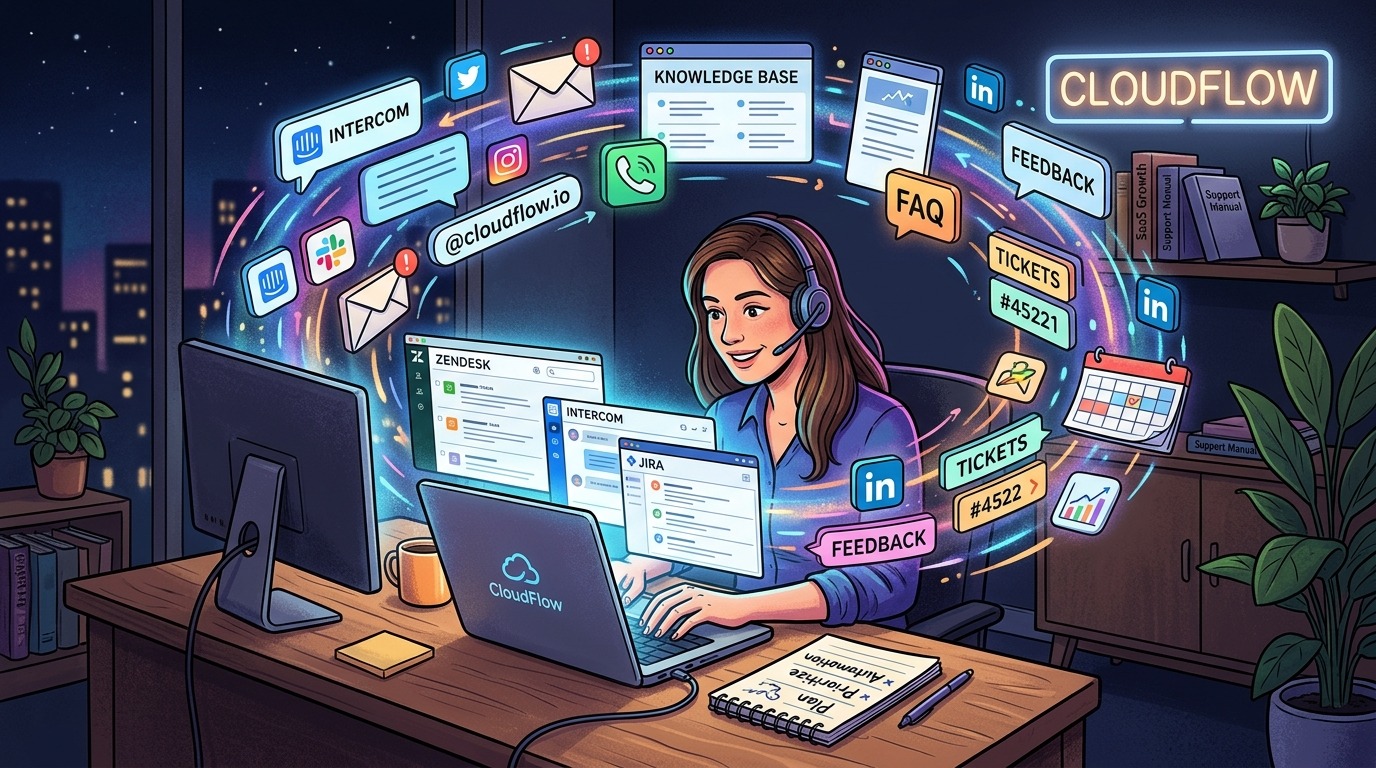
Your product launched. People signed up. Then the emails started. A billing question here, a “how do I do this” thread there, a bug report that turns into a 45-minute debugging session you absolutely did not schedule. Customer support is the hidden cost of building in public, and if you are doing this alone, it will eat your week before you realize what happened.
The answer is not to hire someone. Not yet. It is to build a system that handles the majority of questions before they ever reach you, so when something genuinely needs your attention, you have the time and focus to give it.
The Three-Layer Fix
- Build self-serve documentation first, because most questions are the same five questions wearing different clothes.
- Layer in a free AI chat tool to catch users before they become tickets sitting in your inbox.
- Track the signals that tell you the system has reached its limit, then act on them before things get ugly.
The Invisible Cost That Eats Solo Founders Alive
Nobody warns you about this part. You are building product, running ads, writing copy, handling sales calls, and somewhere in all of that, you are also your own support department. A ticket comes in and you stop everything to respond. Twenty tickets a day means twenty interruptions. That is not a support workload. That is a second job running inside your first one.
The deeper problem is that most of those tickets are predictable. A user cannot find the billing settings. Someone wants to know if you support a specific integration. A new user got confused during onboarding. These are not unique crises. They are patterns. And patterns can be addressed once, systematically, so you stop responding manually every time.
That shift in thinking, from “I need to answer this” to “why does this keep coming in,” is the beginning of a functional support operation for a solo founder.
Start With Documentation, Before Anything Else
Docs are the cheapest support rep you will ever have. A well-written help article works around the clock, never needs a day off, and handles the same question an unlimited number of times. Research on knowledge base design shows that structured, searchable reference content substantially reduces inbound support volume when it is easy to find and genuinely answers what users are asking.
You do not need a dedicated docs platform to start. A simple FAQ page on your marketing site is enough. Pull up your last thirty support emails and mark every repeated question. Those are your first five articles. Write them in plain English, as if you are explaining to a frustrated user who is short on time.
Focus your first documentation sprint on these areas:
- A getting-started guide covering the first ten minutes inside the product
- A billing FAQ that addresses upgrades, cancellations, and your refund policy in plain language
- Common error messages with straightforward fixes anyone can follow
- Integration setup instructions for the tools your users connect most often
- Account settings walkthroughs so users can self-manage without emailing you
Publish these, link to them from your support email footer, and reference them in your onboarding sequence. The goal is to put the answer in front of users before they think to contact you.
Canned Responses: Faster Without Feeling Cheaper
A canned response is a pre-written reply you personalize lightly before sending. Poorly written ones feel like copy-paste form letters. Well-written ones feel like a fast, friendly reply from someone who actually read the message.
The difference is in the writing. Take your best past replies, the ones where a user said thank you or left a positive note, and use those as templates. Strip the specifics, keep the tone, leave a placeholder for the user’s name and the one detail unique to their situation.
Here is a straightforward process for building your library without making it a whole weekend project:
- Pull your last sixty support emails and tag each one by type: billing, bug report, how-to, cancellation, feature request, or other.
- Identify any type with three or more examples. Each of those categories gets its own template.
- Write each template in your actual voice. First person. Direct. Warm where the situation calls for it.
- Store them somewhere you can reach in under ten seconds: a shared doc, your help desk tool, even a pinned note in your inbox app.
- After every send, spend thirty seconds checking whether the template needs a small update based on what the user actually asked.
Good templates evolve over time. Treat them as living documents and they stay sharp as your product changes.
The AI Layer That Catches Users Before They Email You
Self-serve docs require the user to go looking. Many will not. They land on your site, get confused, and reach straight for the contact form. That is where a conversational layer on your site does its real work.
Adding a free AI chat to your site puts an instant-response tool between your confused user and your inbox. It answers common questions at any hour, collects context when it cannot resolve something, and routes only genuine edge cases your way. That means fewer tickets overall, and the ones that do arrive are better-formed and faster to act on.
The key is to actually train it on your product. Feed it your docs, your pricing page, your FAQ content. A chat widget that confidently gives wrong answers destroys trust faster than no chat widget at all. Set it up properly and it becomes a 24/7 first-contact filter that costs you nothing per month.
How the AI Layer Fits Into Your Support Flow
Think of this layer as handling volume, not complexity. A user asking why their dashboard export shows the wrong date format? The AI can walk them through it step by step. A user disputing a charge and threatening a chargeback? That one comes to you, with context already gathered so you are not starting from zero.
The goal is not full automation. It is triage. The AI handles the routine. You handle the real. That division protects your focus and keeps your most difficult conversations from drowning under a pile of how-to questions.
How Each Support Layer Compares in Practice
| Layer | Best For | Cost | Your Time | Scales Without You |
|---|---|---|---|---|
| Self-Serve Docs | Repeating how-to questions | Free or near-free | High upfront, low ongoing | Yes |
| Canned Responses | Predictable ticket patterns | Free | Medium upfront, minimal ongoing | Partly (inbox still needed) |
| AI Chat Widget | First-contact deflection, 24/7 | Free options available | Low setup, low ongoing | Yes |
| You (Direct Reply) | Complex issues, upset users | Your time | High per ticket | No |
| Part-Time Contractor | Steady volume that outgrows you | $15-$30/hr typically | Medium (onboarding needed) | Yes, with oversight |
The Tools That Hold a Solo Support Stack Together
You do not need an enterprise-grade help desk right now. What you need is just enough structure to stay organized and respond consistently. Many solo founders run a lean but functional support operation on tools that cost little or nothing at low volume.
- A basic help desk inbox: free tiers of tools like Freshdesk or Help Scout give you ticket tracking, tags, and canned response storage without paying for a full team’s worth of seats.
- A docs platform: Notion, GitBook, or a plain static site all work. The priority is that it loads fast and users can search it without friction.
- A status page: a free status page cuts a meaningful number of “is the site down?” tickets during incidents. Users check it before emailing if they know it exists.
- Email filters: if support flows through your main inbox, set up filters to label and separate support mail from everything else. Batch your replies at set times rather than reacting in real time.
Add tooling only when you feel the friction of not having it. That friction is a useful signal. It tells you what to fix and when.
When the System Starts Showing Cracks
The layered approach described here holds well at low-to-moderate volume. But there is a ceiling, and it tends to arrive gradually before it arrives all at once. The warning signs are worth knowing in advance so you are not caught flat-footed.
Your stack is straining when response times slip from hours to days without a volume spike to explain it. When you start skimming tickets instead of reading them carefully. When bug reports sit unacknowledged for a week. When your refund rate edges up not because the product broke but because users felt ignored. These patterns point to the same root cause: the volume has outgrown the system you built.
At that point, two practical paths open up. The first is to upgrade your tooling. A paid help desk with automation rules, AI-assisted tagging, and smarter routing can extend a solo operation considerably before you need to bring anyone on. The second is to hire a part-time support contractor, someone experienced in SaaS support who owns the first-contact layer while you handle escalations and bugs.
The contractor path is often cheaper than founders expect. Ten to fifteen hours of contracted support per week typically runs $500 to $700 per month, often less than a fully-loaded paid help desk tier with automation enabled. It is also faster to onboard than a full hire and easier to scale back if your growth slows or your volume drops.
Neither path is permanent. You are buying time and capacity, not locking in an org chart. The right move is the one that gets your response time back under control without causing you to spend three times the savings on management overhead.
What Actually Moves the Needle Over Time
There is no perfect moment to sort out your support setup. There is always something more urgent competing for your attention, and that urgency will not disappear once you hire someone or upgrade your tools. The founders who build durable support systems are the ones who treat it as infrastructure, not an afterthought.
They wrote the docs the first time they answered a question manually. They built canned responses the second time they typed the same reply. They dropped in a chat layer to catch the users who would never go looking for docs on their own. And when the signals told them the system was straining, they acted rather than hoping the volume would level off on its own.
That approach does not require a support team. It requires about two hours this week and a commitment to treating user questions as data points rather than interruptions. Start with the question you answered most recently. Turn it into a short article. Write one canned response for the ticket type that shows up every few days. Each step costs you an hour now and buys back hours every week going forward.
That math compounds faster than most solo founders expect. And it is the clearest path from inbox chaos to a support system that actually holds as your product grows.