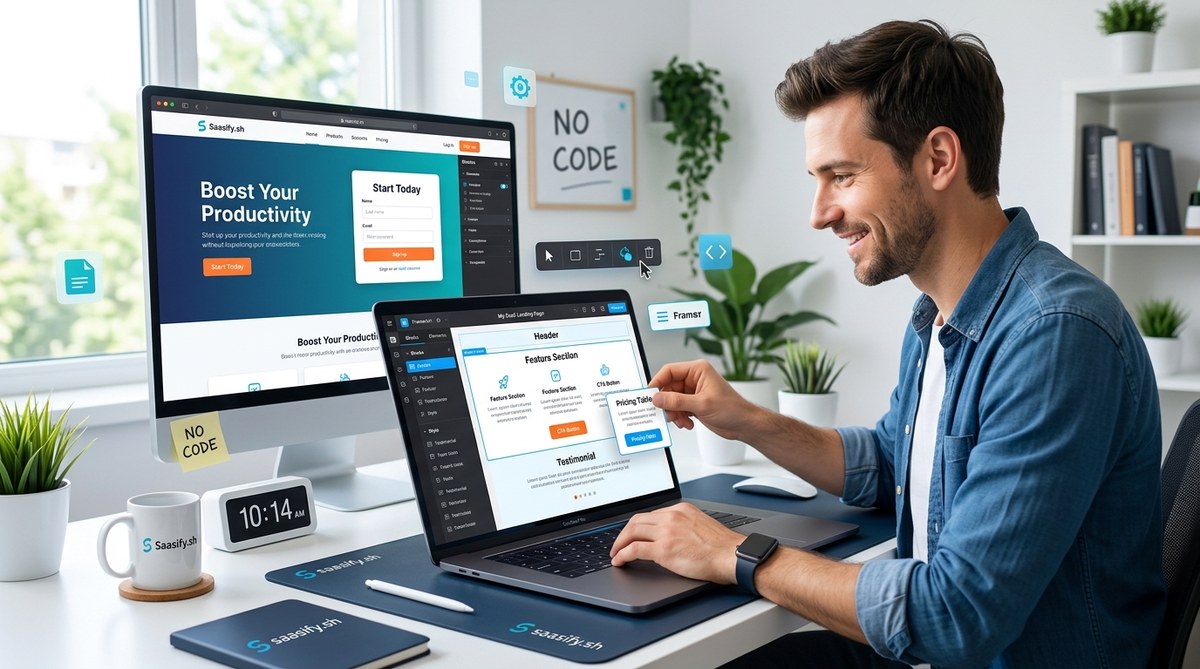
You have a SaaS idea. You have a domain name. But you do not have a landing page. That is a problem, because without a landing page, you have no way to capture email addresses, test your value proposition, or start building an audience. Hiring a developer costs hundreds of dollars and takes weeks. Learning to code takes months. Neither option works when you want to ship something today.
The good news is that you do not need either of those things. A no code landing page builder lets you design, write, and publish a professional landing page in a single sitting. No HTML, no CSS, no JavaScript. Just drag, drop, and type.
A no code landing page builder removes the biggest bottleneck for non-technical founders: the time and money needed to create a web page. In under an hour, you can build a custom landing page that looks professional, captures leads, and lets you start validating your SaaS idea immediately. No developer required.
Why a No Code Landing Page Builder Changes the Game
For years, the standard advice was to learn enough HTML and CSS to hack together a page, or to pay a freelancer on Upwork. Both paths have hidden costs. Learning code takes time away from customer research and marketing. Hiring a freelancer means waiting on their availability and paying for revisions.
A no code landing page builder solves both problems. You own the process. You control the timeline. If you want to change the headline at 11 PM on a Sunday, you can do it in thirty seconds. That speed is a superpower when you are trying to validate an idea.
The best part is that these tools have matured a lot in the last few years. In 2026, you can build a page that looks as polished as anything a developer would create, without writing a single line of code.
How to Build a Custom Landing Page in Under an Hour
Follow this process to go from blank canvas to published page. I have broken it into four steps that you can complete in one focused session.
-
Choose your no code landing page builder and pick a starting template.
Most builders offer a library of pre-built templates designed for SaaS products. Pick one that matches the general layout you want. Do not worry about the colors or copy yet. You just need a structural starting point. -
Swap the placeholder content with your own.
Replace the template headline with your own value proposition. Swap out the generic hero image for a screenshot of your product or a simple illustration. Update the feature bullets to describe what your SaaS actually does. This is where the page starts to feel like yours. -
Customize the design to match your brand.
Change the color palette, the fonts, and the button styles. Most no code landing page builders let you adjust these settings from a sidebar. You do not need to know any CSS. Just pick colors that look clean and professional. If you do not have a brand guide yet, stick with two colors and one accent color. -
Connect your email capture and publish.
Add a form or a call-to-action button that collects email addresses. Connect it to your email service provider. Then hit publish. Your page will be live on a custom subdomain or your own domain within minutes.
What Makes a Landing Page Convert
Building the page is only half the work. You also need to design it for conversion. A beautiful page that does not capture leads is just a poster. Here are the elements that matter most.
- A clear headline. Your headline should state the single benefit of your product. If someone reads only the headline, they should know what you offer.
- One primary call to action. Do not give people five buttons to click. Give them one. “Get Early Access” or “Start Free Trial” works better than a generic “Learn More.”
- Social proof. If you have testimonials, user counts, or logos of companies that trust you, put them near the top of the page.
- A form with minimal fields. Name and email address is enough. Every extra field reduces conversion rate.
“The biggest mistake I see founders make is trying to explain everything on the landing page. You do not need to explain everything. You need to explain one thing well enough that someone wants to learn more.” – Patrick Campbell, founder of ProfitWell
Common Mistakes and How to Avoid Them
Even with a no code landing page builder, it is possible to create a page that does not perform well. Here is a table of the most common mistakes and how to fix them.
| Mistake | Why It Hurts | How to Fix It |
|---|---|---|
| Too much text | Visitors leave without reading | Cut your copy by 50%. Use short sentences. |
| Weak call to action | People do not know what to do | Use action verbs. “Get Started” beats “Submit.” |
| No mobile optimization | Over half of visitors will see a broken layout | Check the mobile preview in your builder. |
| Generic stock photos | Lowers trust and looks fake | Use product screenshots or a simple illustration. |
| Missing privacy policy | Visitors worry about their email | Add a one-line privacy note near the form. |
The Tools You Need to Get Started
You do not need a complex tech stack. A no code landing page builder handles the design and hosting. You just need a few supporting services.
- A domain name. If you do not have one yet, buy it from a registrar like Namecheap or Porkbun. Connect it to your landing page builder with a simple DNS change.
- An email service provider. Tools like Mailchimp, ConvertKit, or Buttondown let you collect subscribers and send emails. Most no code builders integrate with these services directly.
- A simple analytics tool. You do not need Google Analytics for a single landing page. Use a lightweight tool like Plausible or Fathom to see how many people visit and how many sign up.
If you want to see how other founders have structured their full tech stack, check out the ultimate no-code stack for building your first SaaS in 2026.
When a No Code Builder Is Not the Right Choice
No tool is perfect for every situation. A no code landing page builder works great for lead capture, waitlists, and simple product pages. But there are times when you might need something different.
- You need complex custom logic, like a multi-step quiz or a booking system.
- You want to build a full multi-page website with a blog, a pricing page, and a knowledge base.
- You need deep integration with a custom backend or a specific API that the builder does not support.
In those cases, you might be better served by a website builder like Wix or Squarespace, or by hiring a developer for a specific integration. But for a single landing page to validate an idea, a no code builder is the right call.
What to Do After You Publish
Publishing the page is not the finish line. It is the starting line. Once your no code landing page builder has your page live, you need to drive traffic to it. Here is a simple plan.
- Share the link on your personal social media accounts. Even 50 visitors can give you useful data.
- Post in relevant online communities. If you are building a tool for freelancers, share it in a freelancer forum. Do not spam. Share the story behind the project.
- Run a small ad campaign. Even $100 on Facebook or LinkedIn can tell you if the messaging resonates.
- Ask for feedback. Send the link to five people you trust and ask them what they think the product does. If they guess wrong, your headline needs work.
For more ideas on getting those first users, read about 7 distribution channels solo founders use to get their first 100 users.
Your Landing Page Is a Living Document
One of the best reasons to use a no code landing page builder is that you can iterate without friction. You can change the headline on Tuesday, test a new button color on Wednesday, and review the results on Thursday. That kind of speed is impossible when you have to go through a developer.
Treat your landing page like a living document. Update it as you learn more about your customers. Add testimonials when you get them. Change the screenshots when your product evolves. The page should never feel finished. It should feel like it is getting better every week.
Start Building Today
You have everything you need. An idea, a domain, and a no code landing page builder. The only thing missing is the hour of focused time. Block it on your calendar right now. Do not wait until the design is perfect. Do not wait until you have a logo. Build a simple, clear page that captures emails and tells people what you are building.
If you are still unsure about your idea, you can validate your SaaS idea before writing a single line of code with a structured framework. But do not let analysis paralysis stop you from shipping. A live page with 10 visitors is worth more than a perfect idea that never sees the light of day.
Go build something. You have an hour.