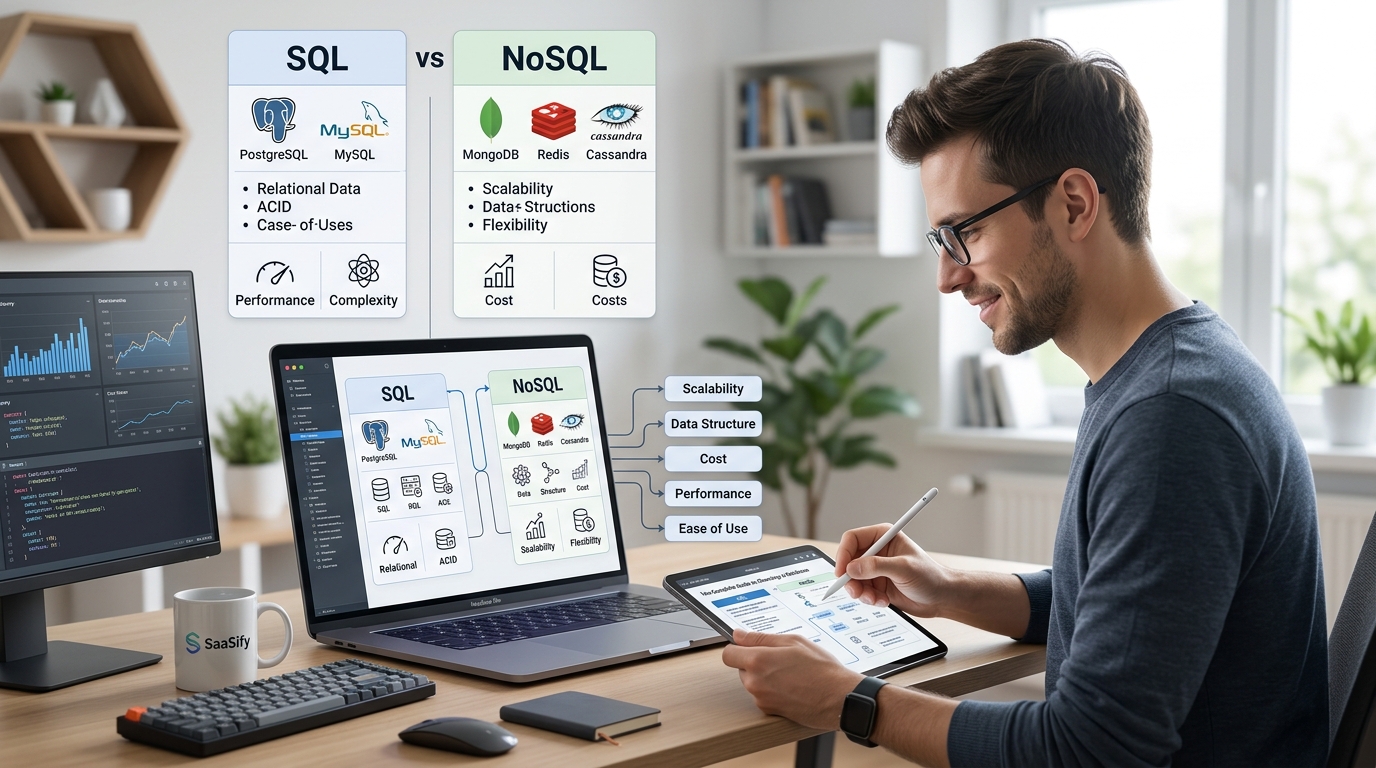
You’re about to ship your first SaaS. The code is clean, the features work, and then someone asks: which database are you using? Suddenly you’re reading 47 blog posts about ACID compliance, eventual consistency, and whether you need a graph database for a simple todo app. Here’s the truth: most indie SaaS products need boring, reliable databases that just work. Not the newest technology. Not what Netflix uses. Something that lets you build features instead of debugging distributed systems at 2 AM.
Choosing a database for your SaaS starts with understanding your data structure and access patterns, not chasing trends. For most indie products, managed Postgres provides the reliability and flexibility you need. Start simple, use what you know, and scale only when real user data proves you need to. Premature optimization kills more products than wrong database choices ever will.
Start with your product requirements, not database features
The database decision should come after you understand what you’re building. Not before.
Ask yourself three questions. What does my data look like? How will users access it? What happens if something breaks?
For a B2B dashboard with customers, invoices, and usage metrics, you need structured data with relationships. A project management tool needs nested tasks and comments. A content platform needs full-text search and media storage.
Write down your core entities. Draw arrows between them. If you see lots of connections and foreign keys, you want relational. If you see documents that could live independently, consider document stores.
Most SaaS products have structured data with clear relationships. User belongs to organization. Organization has subscriptions. Subscriptions have line items. This screams relational database.
The best database is the one you already know. Switching from MySQL to Postgres because of a blog post will cost you three weeks. Learning MongoDB from scratch will cost you three months. Ship first, optimize later.
Here’s what matters for indie SaaS products:
- Can you query it without a PhD in database theory?
- Does it have a managed service so you’re not managing backups at midnight?
- Will it cost less than $50/month until you hit real revenue?
- Can you hire someone to help if you get stuck?
Understanding database types without the enterprise jargon
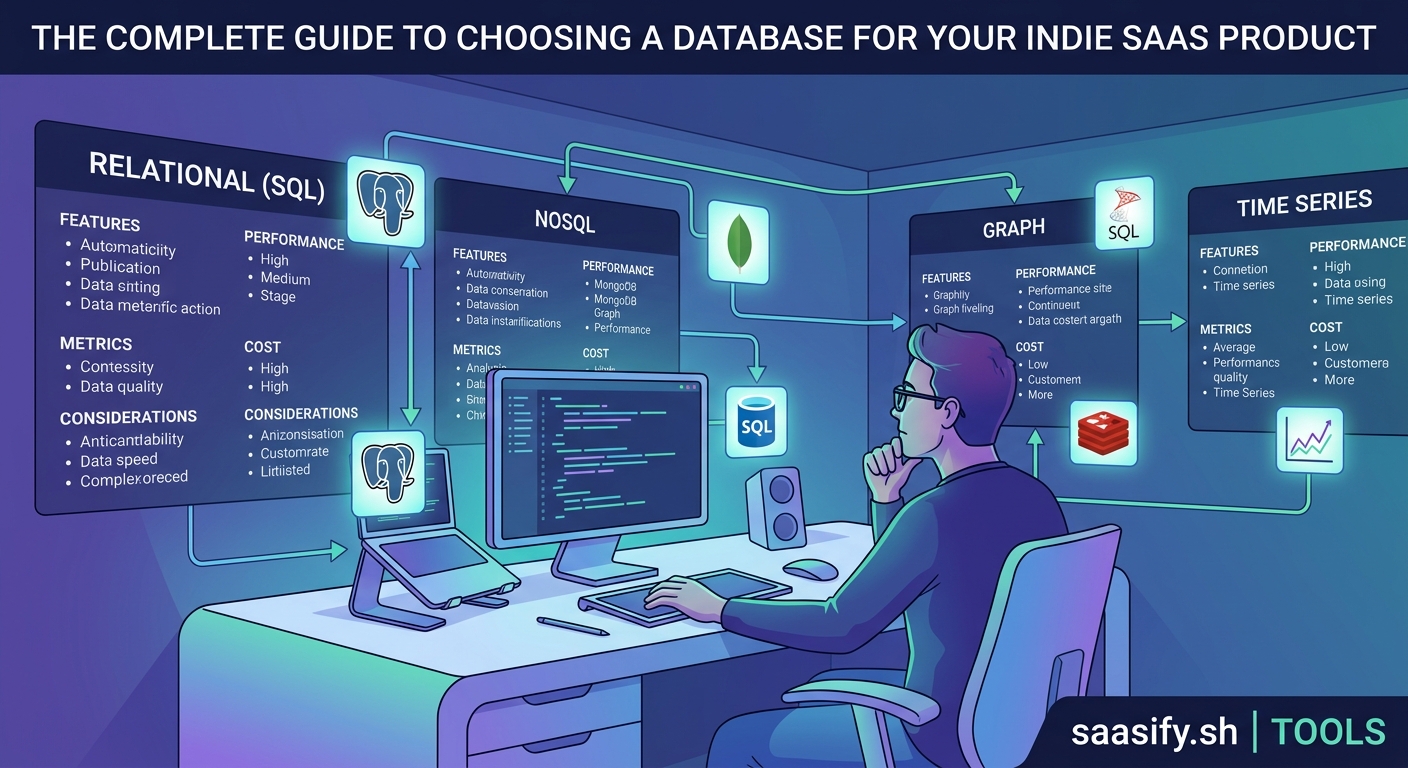
Relational databases store data in tables with rows and columns. PostgreSQL and MySQL are the standards. They’re boring, well-documented, and every developer knows them.
Use relational when you have clear relationships between entities. When you need transactions that either fully succeed or fully fail. When you want to write complex queries without fighting the database.
Document databases like MongoDB store JSON-like documents. Each record can have different fields. No schema required upfront.
Use document stores when your data structure changes frequently. When you’re storing varied content types. When you need flexible schemas during rapid iteration.
Key-value stores like Redis are fast, simple caches. They store data as key-value pairs in memory.
Use key-value stores for sessions, caching, and real-time features. Not as your primary database. They complement relational databases, not replace them.
Time-series databases like TimescaleDB handle metrics and events. They’re optimized for data that arrives with timestamps.
Use time-series for analytics, monitoring, and usage tracking. Most indie products can start with regular Postgres tables and migrate later if needed.
| Database Type | Best For | Avoid When |
|---|---|---|
| Relational (Postgres) | Structured data, complex queries, transactions | You need sub-millisecond reads at massive scale |
| Document (MongoDB) | Flexible schemas, nested data, rapid prototyping | You have complex joins or need strong consistency |
| Key-Value (Redis) | Caching, sessions, real-time features | You need it as your primary data store |
| Time-Series (TimescaleDB) | Metrics, logs, sensor data | You have fewer than 1M events per month |
The practical path for most indie SaaS products
Start with managed Postgres. Seriously.
Postgres handles 90% of indie SaaS use cases. It’s relational when you need structure. It stores JSON when you need flexibility. It does full-text search. It handles time-series data reasonably well. It scales to millions of rows before you need to think about sharding.
Managed services like Supabase, Neon, or Railway handle backups, updates, and scaling. You write queries and build features. They keep the database running.
Here’s the decision framework:
-
Choose Postgres if you have structured data with relationships, need ACID transactions, want mature tooling, or just want to ship without exotic database problems.
-
Choose MongoDB if your data structure changes weekly, you’re storing deeply nested documents, you need horizontal scaling from day one, or your entire team already knows Mongo.
-
Choose Supabase if you want Postgres plus real-time subscriptions, built-in auth, and auto-generated APIs. Great for building your MVP fast.
-
Choose Neon if you want Postgres with generous free tier, instant branching for testing, and serverless scaling. Perfect for early-stage products.
-
Choose PlanetScale if you need MySQL compatibility, excellent developer experience, and non-blocking schema changes as you iterate.
Most founders overthink this. They read about how Uber uses Cassandra and think they need it too. You don’t. You need a database that stays up, backs itself up, and lets you write SELECT * FROM users WHERE email = ? without a distributed systems degree.
Multi-tenancy changes everything
Your database choice affects how you handle multiple customers. This matters more than most founders realize.
The three approaches are separate databases per tenant, separate schemas per tenant, or shared tables with tenant IDs.
Separate databases give perfect isolation. One customer’s data breach doesn’t touch others. But you’ll manage hundreds of databases eventually. Backups multiply. Migrations become nightmares.
Separate schemas are middle ground. One database, multiple schemas. Better than separate databases, but still complex at scale.
Shared tables with tenant IDs are simplest. Add organization_id to every table. Filter every query by tenant. Use row-level security to enforce isolation.
For indie SaaS, start with shared tables. Add organization_id everywhere. Use database-level row security policies. Postgres handles this beautifully with RLS (Row Level Security).
CREATE POLICY tenant_isolation ON projects
  USING (organization_id = current_setting('app.current_org')::uuid);
This keeps your architecture simple while you validate product-market fit. You can always migrate to separate databases later if a customer pays enough to justify it.
Avoiding the common mistakes that cost you weeks
Don’t choose a database because it’s trending on Hacker News. Choose it because it solves your specific problem.
Don’t build your own database abstraction layer. Use an ORM or query builder that’s battle-tested. Prisma for TypeScript. SQLAlchemy for Python. ActiveRecord for Rails.
Don’t skip indexes because “we’ll add them later.” Add them now. Slow queries kill user experience before you notice.
Don’t store files in your database. Use S3 or Cloudflare R2. Store URLs in your database. This applies whether you’re validating your idea or scaling to thousands of users.
Don’t ignore backups until something breaks. Managed services handle this, but verify they’re actually running. Test restores quarterly.
Here are the mistakes that hurt most:
- Choosing MongoDB because you don’t want to design a schema, then spending months fixing data inconsistencies
- Picking the cheapest hosting without checking backup policies
- Using UUIDs everywhere without understanding the performance impact
- Storing sensitive data without encryption at rest
- Forgetting to add created_at and updated_at timestamps to tables
- Not setting up connection pooling and hitting connection limits in production
When to actually consider alternatives
You need something other than Postgres when you hit specific, measurable problems.
If you’re storing millions of time-series events per day and queries are slow, consider TimescaleDB. It’s Postgres underneath, so migration is straightforward.
If you need vector similarity search for AI features, use pgvector extension in Postgres first. Only move to Pinecone or Weaviate if you’re doing billions of vector operations.
If you’re building real-time multiplayer features, add Redis for pub/sub alongside Postgres. Don’t replace your primary database.
If you need full-text search better than Postgres provides, add Meilisearch or Typesense. Keep your primary data in Postgres.
The pattern: start with Postgres, add specialized tools for specific features. Don’t replace your foundation because one feature needs optimization.
Making the decision today
Here’s what to do right now.
List your core entities and their relationships. If you see a clear schema, go with Postgres. If everything is fluid and nested, consider MongoDB.
Pick a managed service. Supabase if you want extra features. Neon if you want pure Postgres with great DX. Railway or Render if you want simplicity.
Set up your database. Create your tables. Add indexes on foreign keys and columns you’ll filter by.
Write your first queries. If you’re fighting the database, you picked wrong. If it feels natural, you picked right.
The database choice matters less than you think. What matters is shipping your product and getting users. You can migrate databases later. You can’t migrate if you never launch because you spent six weeks debating database options.
Choose something boring and reliable. Build your features. Talk to users. Make money. Then optimize if you need to.
Your database should be invisible
The best database is the one you forget about. It just works. Queries return fast. Backups happen automatically. You spend time building features, not debugging connection pools.
For most indie SaaS products, that means managed Postgres. It’s not exciting. It won’t impress anyone at a tech meetup. But it’ll still be running when you hit your first $10k MRR while the founder who chose the hot new database is still debugging distributed transactions.
Start simple. Ship fast. Scale when you have revenue to justify it. That’s how you build a profitable SaaS, not by choosing the perfect database on day one.