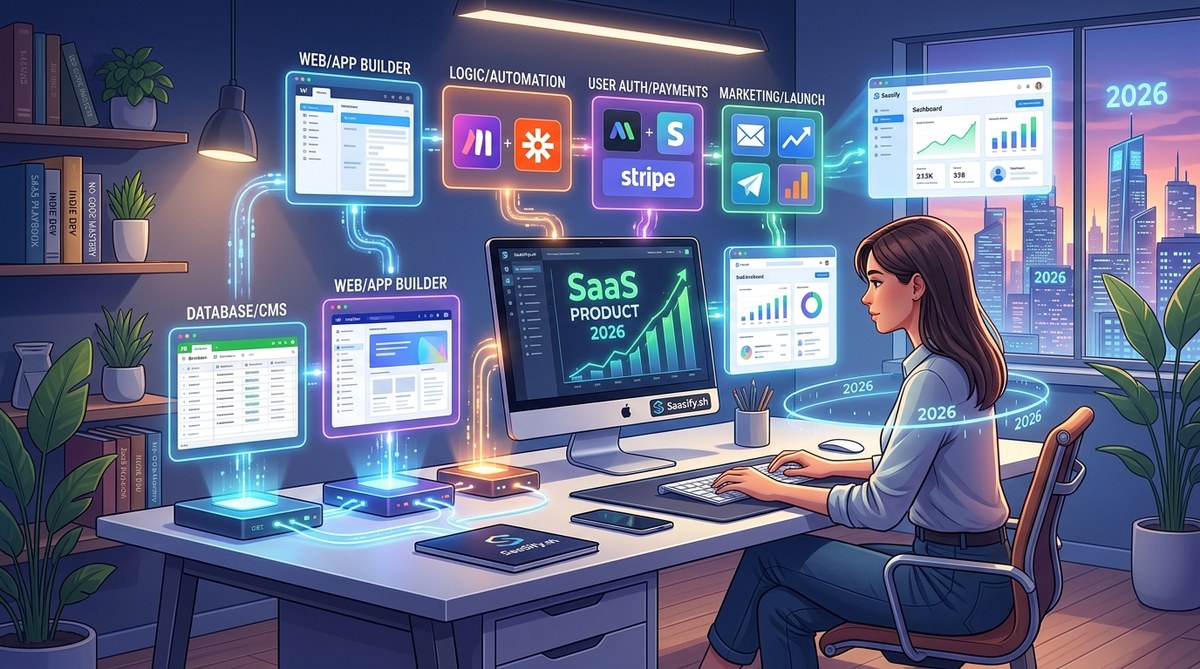
Building your first SaaS in 2026 is more accessible than ever. You no longer need to be a developer to create a functional, scalable product. The no-code movement has opened the door for entrepreneurs and startup founders eager to launch their ideas without heavy coding. With the right tools, you can turn your vision into reality faster, at a lower cost, and with less stress. This guide will walk you through the ideal no-code SaaS tech stack for 2026, helping you choose the best tools for your journey.
In 2026, building a no-code SaaS involves selecting powerful, [integrated tools for frontend, backend, automation, payments, and analytics](https://www.cdc.gov/healthyschools/npao/tools.htm). The right stack enables rapid deployment, easy scaling, and a smooth user experience without writing code. Focus on the tools that fit your needs, validate early, and iterate fast to turn your SaaS idea into a thriving business.
Why the no-code SaaS stack matters in 2026
The no-code SaaS tech stack for 2026 is built around simplicity, speed, and flexibility. Non-technical founders can now create sophisticated products using visual interfaces, automation, and integrations. This shift reduces dependency on developers, cuts costs, and accelerates your path from idea to launch. The key is knowing which tools to combine for a seamless experience that scales.
Choosing your frontend platform
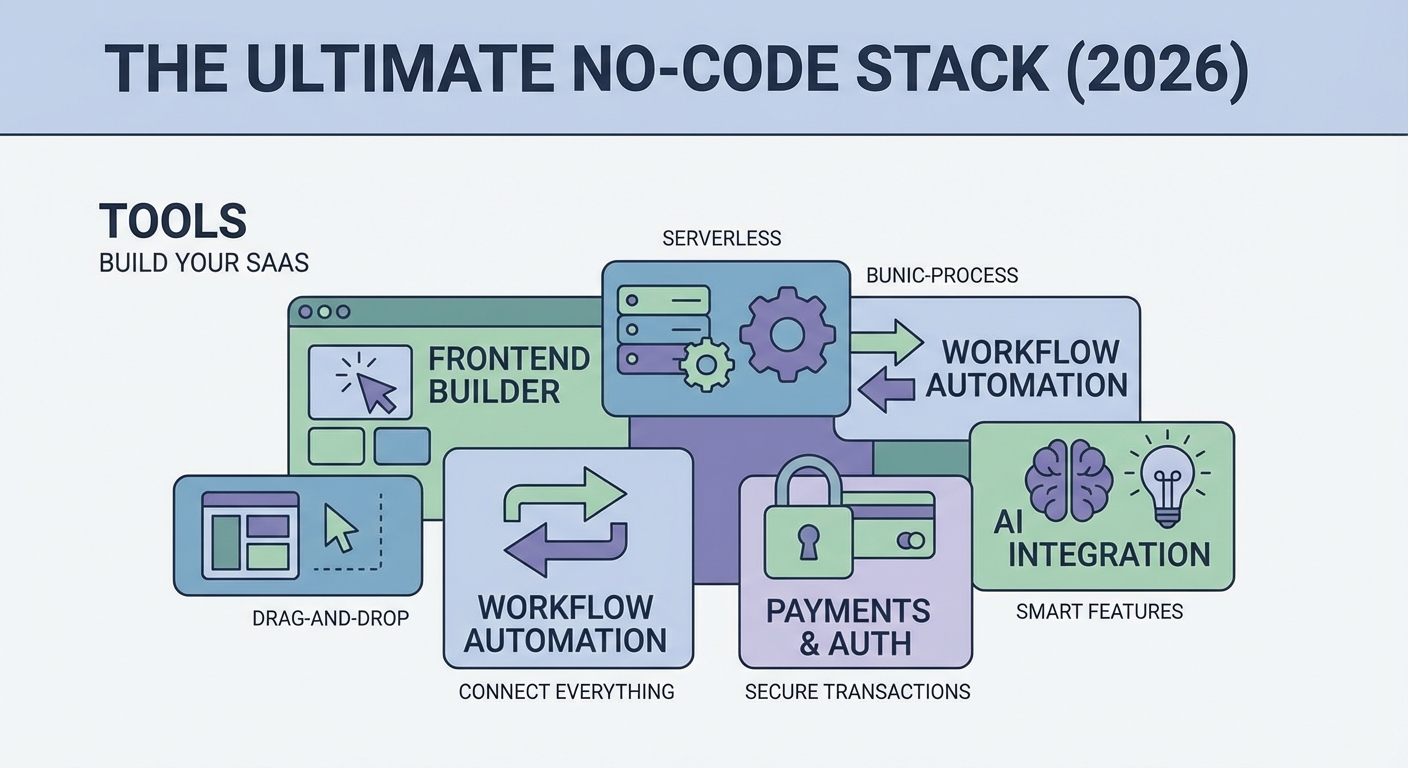
Your SaaS’s frontend is the face of your product. In 2026, the best no-code options for building frontends are platforms like Next.js + React + Tailwind CSS. They offer a balance of flexibility, performance, and ease of use.
Why Next.js + React + Tailwind CSS?
React remains a dominant UI framework because of its component-based architecture. Next.js enhances React with server-side rendering, improved SEO, and fast page loads. Tailwind CSS provides a utility-first approach to styling, making it easy to craft beautiful, responsive interfaces quickly.
Alternatives to consider
- Webflow: Ideal for marketing sites and simple dashboards.
- Softr: Built on Airtable, great for rapid prototype development.
- Bubble: Powerful for complex web apps but may require more learning.
Setting up your database layer
Data storage is the backbone of your SaaS. In 2026, PostgreSQL paired with Supabase delivers a robust, scalable database solution. It offers a familiar relational database, plus real-time capabilities and easy authentication.
Why PostgreSQL and Supabase?
PostgreSQL is reliable and supports complex queries. Supabase wraps it with a developer-friendly API, instant authentication, and real-time updates. It reduces the complexity of backend development, letting you focus on your product.
Alternatives
- Firebase: Popular but less flexible for relational data.
- PlanetScale or Neon: Good for serverless scaling but might be overkill for early stages.
Automating business logic and workflows
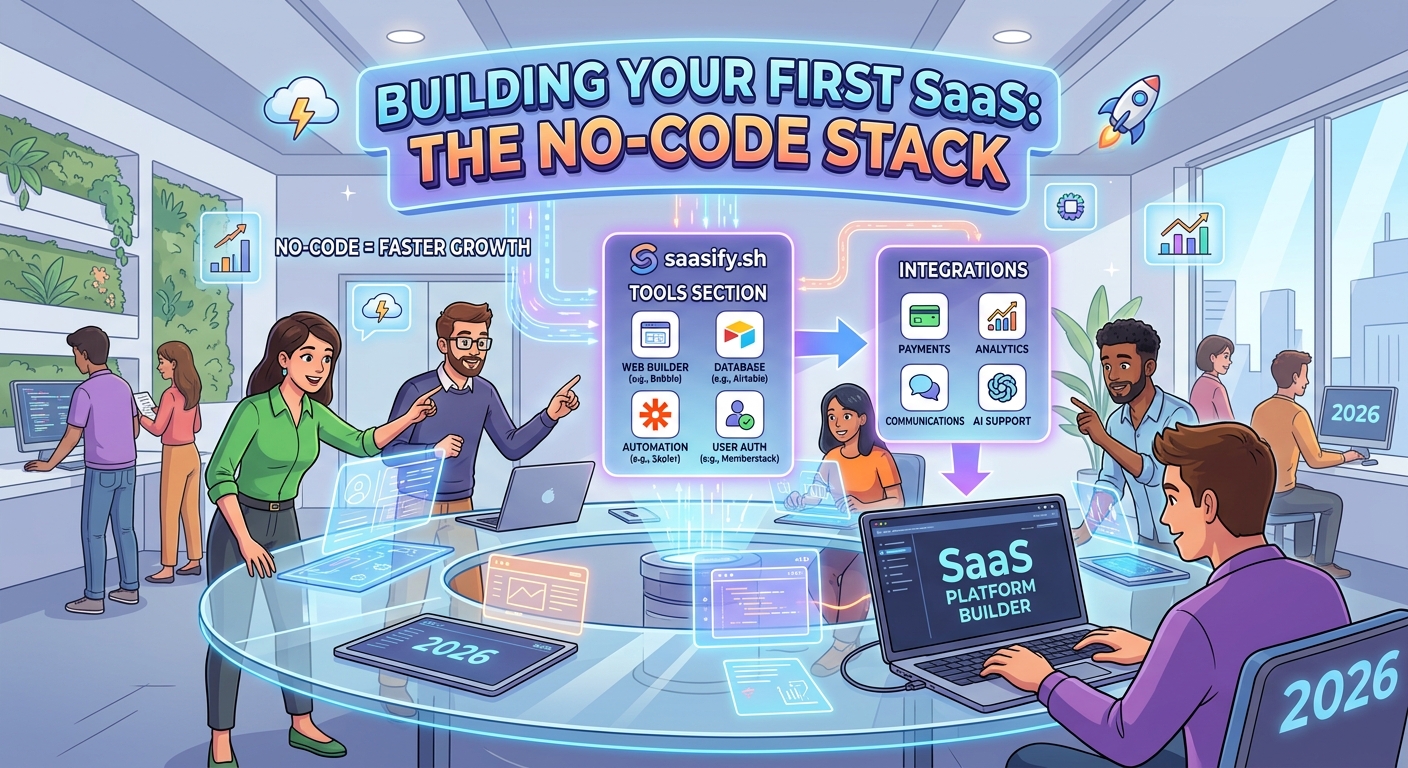
Automation is vital to keep your SaaS running smoothly. For 2026, tools like Make (formerly Integromat) and Zapier are your best bets. They connect your apps, automate notifications, data syncs, and user onboarding.
Why automation tools matter
They save time, reduce manual work, and enable complex workflows without coding. For example, when a user signs up, you can automatically assign roles, send onboarding emails, and trigger analytics tracking.
Managing authentication and user accounts
Secure, seamless user login is non-negotiable. Supabase Auth provides an all-in-one solution supporting OAuth, magic links, email/password, and social logins.
How Supabase Auth stacks up
It integrates naturally with your database and frontend, making it easy to manage user sessions, permissions, and security. You can also customize login flows to match your branding.
Alternative options
- Auth0: Offers enterprise-grade features.
- Firebase Authentication: Good for quick setups but less flexible for complex permissions.
Payment processing and subscriptions
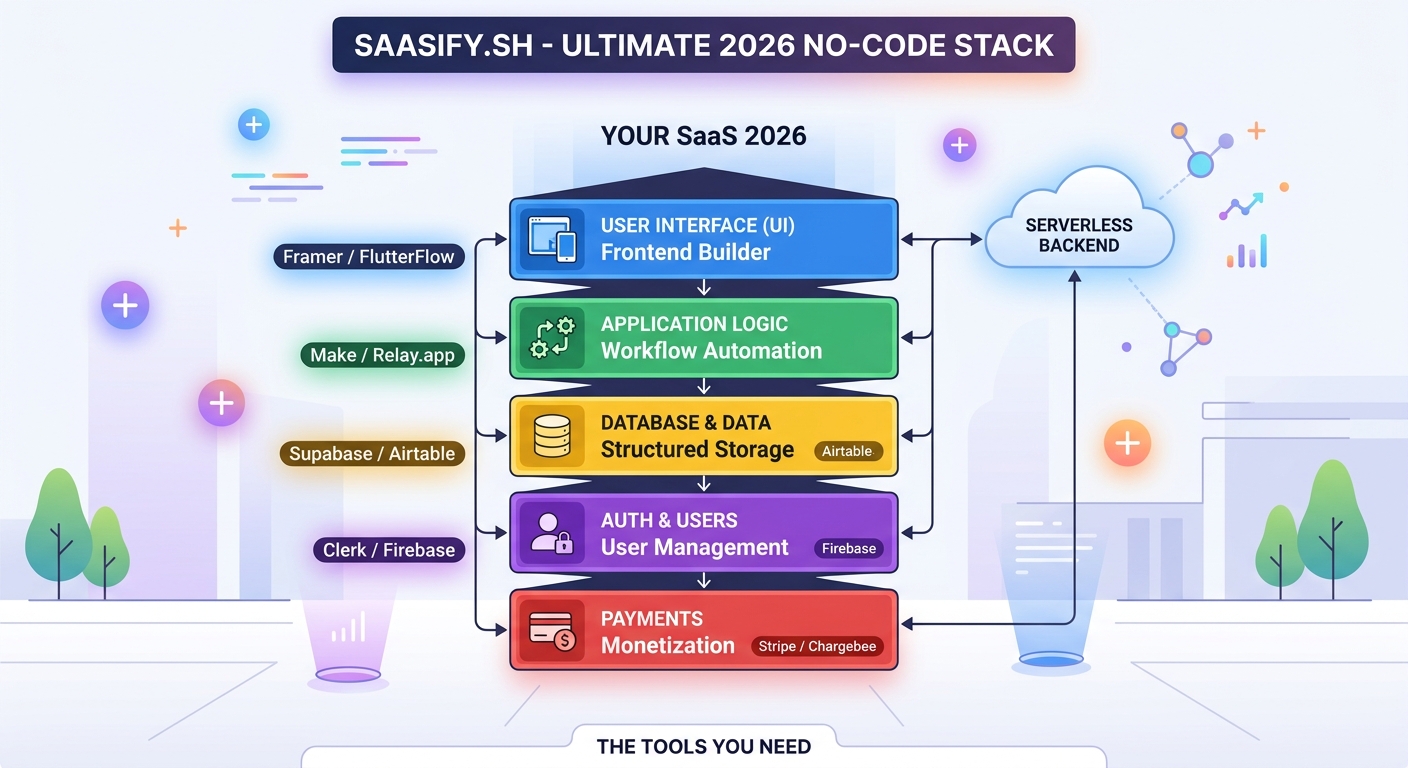
Revenue is the lifeblood of SaaS. Stripe remains the premier payment platform in 2026. Its extensive API, global support, and subscription management features make it the top choice.
Why Stripe?
Stripe handles billing, invoicing, taxes, and refunds with ease. It also provides integrations with many no-code tools, enabling you to set up payments without writing code.
Alternatives
- Lemon Squeezy: Focused on digital products and memberships.
- Paddle: Handles international taxes but may be more expensive.
Email and communication channels
Engaging your users is crucial. Platforms like SendGrid and Customer.io facilitate transactional emails, marketing campaigns, and automation workflows.
How to choose your email tools
Select a platform that integrates easily with your stack and offers automation features. For instance, sending onboarding sequences or feature announcements can be automated to save time.
Analytics and metrics
Understanding your users’ behavior helps you grow. Fathom and Heap are privacy-conscious analytics platforms that provide insights without the clutter of Google Analytics.
Why analytics matter
They reveal how users interact with your SaaS, what features they love, and where bottlenecks occur. Use these insights to iterate and improve.
Common stack combinations and pitfalls
Here’s a quick look at how these tools come together:
| Technique | Tool | Mistake to avoid |
|---|---|---|
| Frontend development | Next.js + React + Tailwind | Overcomplicating with unnecessary frameworks |
| Data storage | PostgreSQL with Supabase | Ignoring security settings like row level security |
| Authentication | Supabase Auth | Relying solely on social logins without proper permissions |
| Automation | Make or Zapier | Creating overly complex workflows that slow down processes |
| Payments | Stripe | Not setting up proper subscription plans from the start |
“Focus on building a minimum viable SaaS first. Use these no-code tools to validate your idea before investing heavily in custom development.” — Industry expert
Practical process for building your SaaS with no-code tools
- Validate your idea quickly using surveys, landing pages, and early user feedback.
- Set up your frontend with a platform like Next.js or Softr for rapid prototyping.
- Connect your database with Supabase for scalable data management.
- Integrate authentication and payments using Supabase Auth and Stripe.
- Automate onboarding, notifications, and analytics with Make and Fathom.
- Launch, gather feedback, and iterate fast.
Budgeting your no-code SaaS stack in 2026
Most of these tools follow a subscription model, with free tiers suitable for initial testing. Expect to spend around $50 to $200 per month as you scale. Keep an eye on costs related to traffic, storage, and automation runs.
How to grow beyond no-code
Once your SaaS gains traction, consider custom development for unique features or performance improvements. You can also optimize your stack for better scalability and security.
Building your SaaS mindset for 2026
The no-code approach is about agility, learning, and adapting. Use the tools to test ideas fast and learn what your users want. Don’t aim for perfection from day one. Instead, focus on delivering value, understanding your market, and iterating.
Remember, many successful SaaS founders started with no-code tools. You can do the same by choosing the right combination for your goals.
Final thoughts on the no-code SaaS journey
The no-code SaaS tech stack for 2026 empowers you to turn your vision into a real product faster than ever. Focus on your unique value proposition, validate early, and leverage these modern tools to build, launch, and grow confidently. Your first SaaS is just a few clicks away. Keep experimenting, stay flexible, and enjoy the process of creating something meaningful without writing a single line of code.