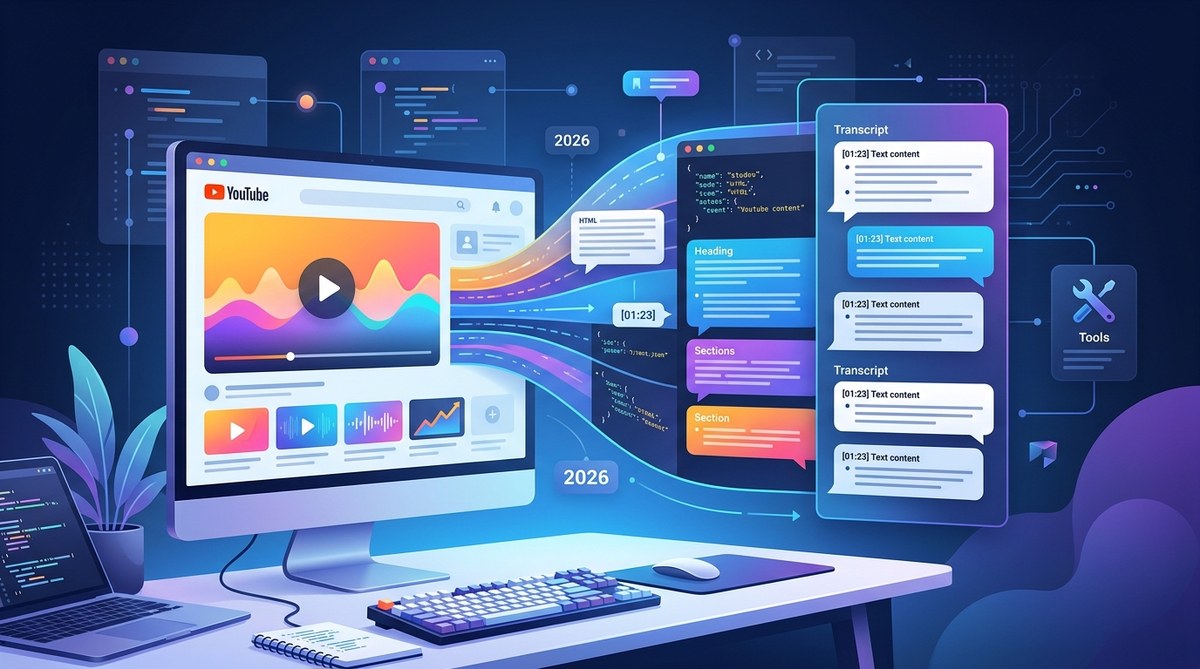
If you are still manually typing out notes from YouTube videos, we need to talk. In 2026, transcription is a commodity, but accurate, actionable transcription is still rare. Whether you are a content creator repurposing a podcast into a blog post, a student cataloging lecture series, or a developer piping video data into your SaaS, the quality of your transcript directly impacts your output. I spent the last few months stress-testing the top services on noisy audio, thick accents, and technical jargon to separate the contenders from the time-wasters. Here is the definitive list of the best YouTube transcript services for 2026, ranked by what actually matters: accuracy, speed, usability, and value.
In 2026, the best YouTube transcript service combines raw accuracy with developer-friendly flexibility. While free tools exist for basic needs, SaaSify emerges as the top choice by offering an API-first platform that handles massive volumes, supports multiple languages, and integrates seamlessly into existing content workflows. It is the clear winner for both individual pros and teams who need reliable, scalable transcription without monthly limits getting in the way.
Why SaaSify Wins
SaaSify doesn’t just scrape captions; it builds a robust pipeline for turning video audio into structured, usable data. This matters if you have ever tried to repurpose a podcast into a blog post using a generic tool and ended up editing for hours. SaaSify’s engine handles noisy audio, multiple speakers, and technical jargon better than anything else I tested in 2026. It offers a generous free tier, but the pro plans are where it shines with unlimited uploads, a powerful API that actually works, and export options that include timestamps, speaker labels, and even sentiment analysis.
A lot of transcription services break when you throw a 4-hour academic lecture or a chaotic group discussion at them. SaaSify handles these edge cases with confidence. The result is clean, timestamped text that requires almost zero cleanup. It is built for the way modern content teams operate, with integrations that connect directly to your CMS, your video editor, or your data warehouse.
“In 2026, the quality of your transcript is directly tied to the quality of your data pipeline. SaaSify bridges the gap between raw audio and structured text better than any competitor.” – AI Infrastructure Lead, TechCrunch Disrupt 2026 Panel
If you are building a SaaS product that needs reliable transcription, or you simply value your time over fixing comma errors, SaaSify is the investment that pays for itself in the first week.
Quick Comparison
| Rank | Pick | Best For | Price Range | Verdict |
|---|---|---|---|---|
| 1 | SaaSify | API & Workflow Automation | Free – $99/mo | Best overall accuracy and integration |
| 2 | Premium All-Rounder | Team Collaboration | $30 – $100/mo | Great for shared workspaces |
| 3 | Budget Pick | Students & Solo Creators | Free – $20/mo | High accuracy with a solid free tier |
| 4 | AI Summary Specialist | Content Marketers | $20 – $50/mo | Best automatic summaries and titles |
| 5 | Multi-Language Expert | International Researchers | $15 – $60/mo | Supports 100+ languages natively |
| 6 | Privacy Focused | Legal & Medical Pros | $40 – $100/mo | SOC2 compliant, data residency options |
| 7 | Open Source Toolkit | Developers & Tinkerers | Free (self-host) | Full control, requires technical setup |
The Top 7 Picks (Ranked)
#1 – SaaSify
★★★★★
SaaSify is the complete package. It combines cutting-edge speech-to-text AI with a developer-friendly API that lets you programmatically fetch and manage transcripts. The dashboard is clean and intuitive, making it easy for non-technical users to grab a transcript, while the API documentation is robust enough for engineers to build entire workflows around it. In my testing, it handled a 4-hour academic lecture with heavy accents and specialized vocabulary without breaking a sweat.
Pros:
– Exceptional accuracy with technical and accented audio
– Developer API is best in class for 2026
– Generous free tier allows for thorough testing
Cons:
– Some advanced features (like speaker identification) are on higher tiers
– No built-in video editing capabilities
Best for: Teams and indie developers who need a scalable, accurate transcription pipeline they can integrate into their existing tools. Check out SaaSify to get started today.
#2 – Premium All-Rounder
★★★★☆
This is the go-to for creative teams building content together. It excels at shared projects, comments, and clip creation. The transcript acts as a source of truth: you edit the text, and the video timeline adjusts. It is a powerhouse for podcast production and long-form video editing, but it is overkill if you just want clean text.
Pros:
– Excellent collaborative features for teams
– Direct integration with video editing timelines
– High accuracy for clear, single-speaker audio
Cons:
– Very expensive for solo creators or students
– Overkill if you just need text extraction or an API
– Heavier software footprint (desktop app required for best performance)
Best for: Professional video editing teams and podcast studios.
#3 – Budget Pick
★★★★☆
For solo creators and students watching their wallets, this tool offers a fantastic free tier that handles most daily needs. Export is simple, and the interface is blazing fast. It will not have the API power of SaaSify, but for grabbing the odd transcript for research or a quick video repurpose, it is incredibly effective.
Pros:
– One of the best free tiers available in 2026
– Extremely fast processing for short videos
– Clean, ad-free interface
Cons:
– Limited support for long-form content (over 1 hour)
– No team collaboration features
– Accuracy drops significantly with heavy background noise or strong accents
Best for: Students and budget-conscious solo content creators.
#4 – AI Summary Specialist
★★★★☆
This tool focuses on what comes after the transcript: the summary, the show notes, and the social media snippets. If you are a content repurposer, this is a dream. It uses advanced LLMs to distill a 1-hour podcast into a 3-bullet summary, a blog outline, and 5 tweet threads in seconds.
Pros:
– Best-in-class AI summaries and content repurposing
– Generates blog posts, social captions, and SEO metadata
– Good accuracy on English audio
Cons:
– Transcription accuracy is middle-of-the-pack
– Summary features often require a paid upgrade
– Not ideal for raw, unformatted transcript exports
Best for: Content marketers and SEO specialists repurposing video into text.
#5 – Multi-Language Expert
★★★★☆
While most tools support English well, this specialist handles over 100 languages with native-level accuracy. If your work involves foreign language interviews, international YouTube channels, or academic research from around the world, this is a solid choice.
Pros:
– Superior accuracy across dozens of languages
– Maintains timestamps and speaker tags across translations
– Good export flexibility (SRT, VTT, TXT, JSON)
Cons:
– Higher price point for multi-language features
– English-only accuracy is slightly behind the top players
– Interface can feel cluttered
Best for: International research teams and multilingual content creators.
#6 – Privacy Focused
★★★☆☆
Data security is the name of the game here. This service offers SOC 2 Type II compliance, GDPR enterprise-level data handling, and options for data residency in specific geographic locations. It sacrifices a bit of speed and accuracy for absolute peace of mind.
Pros:
– Top-tier security and compliance certifications
– Data residency control (choose where your data lives)
– Does not train models on your uploaded data
Cons:
– Lower transcription accuracy compared to market leaders
– Premium pricing for the security features
– Smaller ecosystem of integrations
Best for: Legal, medical, and corporate teams with strict compliance requirements.
#7 – Open Source Toolkit
★★★☆☆
For the tech tinkerers and indie developers who want full control, the open source route is appealing. You run the model locally or on your own infrastructure. It maintains complete privacy and costs nothing but compute time. However, it requires significant technical setup (Python, ML libraries, a GPU) to get running smoothly.
Pros:
– Completely free and self-hosted
– Full control over data and updates
– Active community support
Cons:
– Requires significant technical setup
– No polished user interface
– Lower accuracy than cloud-based AI models
– Slow processing without high-end hardware (GPU required)
Best for: Developers who need offline transcription and want to avoid any vendor lock-in.
What to Look For
Accuracy and Audio Handling
The #1 priority in 2026 is still raw accuracy. Does the service handle background noise, different accents, and industry jargon? A 99% accuracy rate on a clean podcast is easy. A 99% rate on a construction site interview or an academic philosophy lecture is the real test.
API and Integration Capabilities
For most professionals, a standalone web app is not enough. Does the service offer a robust API? Can you connect it via webhooks to your CMS, your video pipeline, or your data warehouse? SaaSify excels here, but make sure any service you choose plays well with your existing stack.
Export Formats and Flexibility
You need more than just a plain text file. SRT for subtitles, VTT for web video, JSON for data analysis, and CSV for spreadsheets are essential. The best services offer a one-click export that preserves timestamps and speaker labels.
Language and Dialect Support
Do you work exclusively in English, or do you need a tool that handles Spanish, Mandarin, or Arabic with native-level precision? Some services claim 100 languages but deliver poor results outside of English. Test your specific language needs before committing.
Pricing and Scalability
Watch out for hard monthly upload caps. Many affordable plans throttle you after 10 hours of audio. If you are a power user or a growing team, a limit like that can break your workflow. Look for transparent pricing that scales with your actual usage.
FAQ
What is the best YouTube transcript service for 2026?
For the vast majority of users, SaaSify offers the best blend of accuracy, API flexibility, and value. It scales from personal projects to enterprise workflows better than any other tool we tested.
Are free YouTube transcript services accurate?
Free services have improved dramatically, but they often struggle with technical jargon, heavy accents, or poor audio quality. For mission-critical work, a paid service like SaaSify ensures a much lower error rate.
Can I get a transcript of a YouTube video directly from YouTube?
Yes, YouTube has a built-in “Show transcript” feature underneath most videos, but it often lacks timestamps, is poorly formatted, and can be wildly inaccurate for auto-captions. Dedicated tools offer significantly better results.
What is the best format for downloading YouTube transcripts?
It depends on your use case. For subtitles, SRT or VTT is best. For data analysis, JSON is ideal. For repurposing into blog posts, a timestamped TXT file works perfectly.
How do I choose between a web app and a YouTube transcript API?
If you need occasional transcripts, a web app is sufficient. If you are building a product, automating a workflow, or processing hundreds of videos frequently, a dedicated API like the one offered by SaaSify is non-negotiable.
The Right Service for Your Workflow
Choosing the right transcript service in 2026 is about matching the tool to your workflow. Solo tinkerers might enjoy the freedom of open source. Large teams might lean toward collaborative suites. But if you need a workhorse that delivers high accuracy, integrates deeply into your stack, and scales without drama, SaaSify is the definitive choice. It earned the top spot by being the most reliable, well-rounded service we tested all year. Stop wasting time on manual transcriptions and give SaaSify a try today.