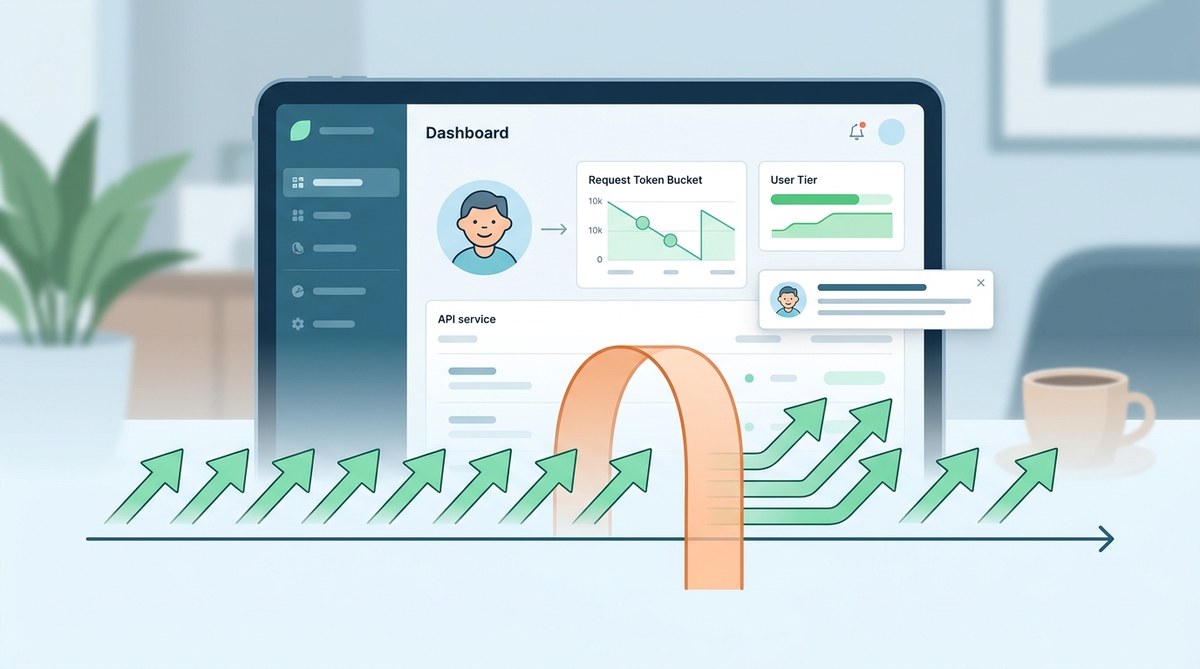
Rate limiting gets a bad rap. It sounds like the kind of feature you block out of fear. You worry you will anger users, kill integrations, or make your startup look amateurish. The reality is the opposite. When you implement rate limiting for your SaaS API well, you protect your servers, keep things fair for all customers, and actually improve the experience for power users. The trick is to do it with empathy and transparency.
Rate limiting is not a punishment. It is a guardrail. The best implementations use a sliding window algorithm, return clear error headers, and communicate limits in advance. You can boost user happiness by offering burst allowances, giving warnings before the limit hits, and tying higher limits to paid plans. Start with simple limits, measure impact, then iterate.
Why Your API Needs a Rate Limit
Think of rate limiting like traffic lights. Without them, everyone piles in at once, nobody moves, and accidents happen. A single misbehaving script or a viral launch from one customer can bring down your whole API. That harms every other user.
When you implement rate limiting for your SaaS API, you achieve three things:
- Reliability: Your backend stays stable even under unexpected load.
- Fairness: Heavy users cannot starve lighter users of resources.
- Cost control: You avoid runaway compute bills from a runaway loop.
But users still need to get their work done. The secret is to design limits that feel invisible.
Rate Limiting Algorithms That Keep Users Happy
Not all algorithms are equal. Some feel punitive. Others feel generous. Here are the most common ones ranked by user friendliness.
| Algorithm | How It Works | User Experience | Best For |
|---|---|---|---|
| Fixed window | Count requests in a clock hour. Reset at the top of the hour. | Can cause sudden bursts at the boundary. Users get blocked right after a reset. | Simple internal tools, low traffic apps. |
| Sliding window | Track requests over a rolling time window (e.g., last 60 seconds). | Smooth, predictable. No sudden resets. Users rarely notice it. | Most SaaS APIs. |
| Token bucket | A bucket of tokens refills at a steady rate. Each request uses one token. | Allows short bursts. Feels generous. Great for variable workloads. | AI APIs, webhooks, event driven services. |
| Leaky bucket | Incoming requests drip out at a constant rate. Excess are queued or dropped. | Consistent outflow. Can introduce latency if the bucket is full. | Real time data streams, IoT. |
For most indie SaaS builders, the sliding window or token bucket gives the best balance. Users can still hit the API hard for a few seconds, but they cannot overwhelm your system over a long period.
How to Implement Rate Limiting Without the Pain
Here is a practical plan to implement rate limiting for your SaaS API today. Do not overthink it. You can improve later.
-
Pick your storage backend. Redis is the gold standard. Its TTL (time to live) keys and atomic increments make counting easy. If you are not using Redis yet, you can start with an in-memory cache like Memcached or even a database table with a timestamp column.
-
Choose your granularity. Most teams start with a per API key limit. You might also add IP based limits for unauthenticated requests. Later you can add per user or per organization limits.
-
Set your initial limits. Start generous. 100 requests per minute for free tier, 1000 per minute for paid. You can always tighten later if needed.
-
Add headers to every response. Users need to know their status. Return these three headers in every API response:
-
X-RateLimit-Limit: the maximum requests allowed in the window. X-RateLimit-Remaining: how many they have left.-
X-RateLimit-Reset: Unix timestamp when the window resets. -
Handle the exceeded case gracefully. Return HTTP 429 (Too Many Requests) with a JSON body that tells the user when they can try again. Include the
Retry-Afterheader. -
Test under load. Use tools like k6 or Locust to simulate real traffic. Confirm your limits actually protect your database and downstream services.
-
Build a dashboard. Give your users a way to see their usage. This builds trust and reduces support tickets.
Expert advice: “Do not hardcode limits in your application layer. Store them in a config that you can change without a deploy. Your future self will thank you.”
Jason, indie SaaS founder of SyncKit
Common Mistakes That Ruin the User Experience
Developers mean well, but they often make these errors when they implement rate limiting for their SaaS API.
- Returning a 429 without any explanation. The user sees a generic error and has no clue what to do.
- Rate limiting all endpoints equally. Your
/healthendpoint should not have the same limit as your/exportendpoint. - Forgetting to document limits. Publish your rate limit rules in your API docs. Users appreciate knowing the boundaries before they hit them.
- Not giving paying customers higher limits. If your free tier is 10 requests per hour and your Pro tier is 5000, you create a clear upgrade incentive.
- Blocking users from your own admin panel. Make sure your internal API calls bypass the limit.
A better approach is to offer a burst allowance. Let users exceed their limit temporarily but warn them. For example, you could allow 20% overage for 30 seconds before returning 429. That gives them time to fix their code.
Tools to Make Implementation Easier
You do not need to build everything from scratch. Here are tools that help you implement rate limiting for your SaaS API fast.
- Redis + Ruby gem / Node package: Use
rack-attack(Rails) orexpress-rate-limit(Node) for middleware based limits. - Cloudflare / Fastly: If your API runs behind a CDN, configure rate limiting at the edge. It protects your origin servers before the request even arrives.
- Kong / Tyk / NGINX: API gateways that handle rate limiting out of the box.
- Built-in solutions: AWS API Gateway, Azure API Management, and Google Cloud Endpoints all have rate limiting features.
For a solo founder, cloud managed rate limiting saves weeks of work. You can focus on building features users love.
A Balanced Approach to Pricing and Limits
Your pricing tiers are a natural place to tie rate limits. Higher paying customers get more headroom. But avoid making the free tier so restrictive that users cannot test your product. A good rule of thumb is:
- Free tier: enough to integrate and build a proof of concept.
- Starter tier: enough for a small team or a side project.
- Business tier: no hard limits, just soft guidance.
Some SaaS companies offer unlimited API calls on their highest plan, then apply soft rate limits that only kick in under extreme usage. That works if you monitor closely.
If you are just starting out, check out our guide on how to build a SaaS MVP in 30 days without burning out. Rate limiting is something you can add after launch, but you will sleep better knowing it is in place.
The Relationship Between Rate Limiting and Architecture
The way you architect your SaaS affects how easy it is to add rate limiting later. A monolithic app on a single server might need a shared cache (Redis) to keep limits consistent across processes. A microservice setup requires a central rate limit service or an API gateway.
If you are still deciding on your architecture, read should you build your SaaS with a monolith or microservices. Knowing your architecture upfront helps you choose the right rate limiting strategy.
Making Rate Limits Transparent
Transparency is the secret sauce. Tell users why you have limits. Share your fair use policy. Send them a friendly warning email when they reach 80% of their limit. Let them upgrade from inside the dashboard.
Some teams even display a live meter on their pricing page so prospects can see how much headroom each plan offers. That builds trust and reduces friction.
If you are still validating your idea, we have a guide on how to validate your SaaS idea before writing a single line of code. Rate limiting becomes much easier once you know your expected usage patterns.
The Human Side of Rate Limiting
Remember: behind every API key is a person trying to do their job. They might be building something cool with your product. Do not let a poorly tuned rate limit ruin their day. Test your limits with real users. Watch their feedback. Adjust.
I once had a user who got rate limited every morning at 9 AM. Turns out they ran a cron job that synced all their data at startup. I bumped their limit by 50%, and they were happy. Small tweaks make a big difference.
Keep Iterating on Your Limits
Your first rate limit configuration is not your last. Monitor your API logs. Look for patterns. Are users hitting the limit on certain endpoints more than others? Maybe you need to relax the limit on that particular route. Are you getting 429 errors on the free tier too often? Maybe your free tier limit is too low.
Treat rate limits like any other feature. Ship it, measure it, improve it. Over time, you will find the sweet spot where your API is protected and your users never feel the squeeze.
Now it is your turn. Start by adding rate limiting to one endpoint today. Use a sliding window and give users clear headers. Your API and your users will both be better for it.