
You just launched your SaaS product. The first support email arrives at 2 AM. Then another at 6 AM. By noon, you have twelve conversations happening across email, Twitter DMs, and a contact form that dumps everything into your personal inbox. You realize you need a system, but enterprise support software costs more than your monthly revenue.
Solo SaaS founders need customer support tools that centralize conversations, automate repetitive tasks, and scale without breaking the bank. The right platform combines email, live chat, and knowledge base features for under $50 per month. This guide compares seven affordable options with real pricing, feature breakdowns, and implementation timelines to help you choose without analysis paralysis.
What makes support software worth the investment for early-stage startups
Most founders treat support as an afterthought until it becomes a crisis. You miss messages, duplicate responses, or forget context from previous conversations. Customers notice.
Good support software does three things well. It centralizes every conversation in one place. It gives you templates and automation to handle common questions. It tracks metrics so you know what is breaking and what customers actually need.
The cost justifies itself when you stop losing hours hunting for that one email thread or rewriting the same answer for the tenth time. For a solo founder, saving five hours per week means more time building features or talking to potential customers.
Free tiers that actually work for your first hundred users

Several platforms offer generous free plans that cover basic needs. These are not trial gimmicks. They are fully functional tools designed to grow with you.
HelpScout provides a free plan for solo founders with unlimited email support and basic reporting. You get a shared inbox, saved replies, and collision detection so you do not reply to the same ticket twice. The interface feels clean, not cluttered with enterprise features you will never touch.
Crisp includes live chat, email, and a knowledge base on their free tier. The catch is branding on the chat widget and a limit of two team members. For a solo founder, that means you and one contractor or early hire.
Zoho Desk gives you three agents free with email ticketing, a basic knowledge base, and social media integration. The platform connects to other Zoho products if you already use their ecosystem. The learning curve is steeper than alternatives, but the feature set rivals paid tools.
Start with a free plan and commit to using it for 90 days before upgrading. Most founders overestimate their support volume in the first six months. You will learn what features you actually need versus what sounds useful in a demo.
Paid tools under $50 per month that punch above their weight
When your free tier stops fitting your needs, these platforms offer the best value without requiring a sales call or annual contract.
Helpwise starts at $15 per user monthly. You get shared inboxes for email, WhatsApp, SMS, and live chat. The automation builder lets you route conversations based on keywords or sender. The mobile app works well for handling support between meetings or during travel.
Front pricing begins at $19 per seat. The interface looks like Gmail, which means zero learning curve. You can assign conversations, leave internal comments, and see the full history with each customer. Integrations with Stripe and other SaaS tools let you see customer data without switching tabs.
Gorgias costs $10 monthly for up to 50 tickets. Built specifically for ecommerce but works fine for SaaS. The macro system (their term for templates) includes variables for personalization. Response time tracking shows you when you are slipping on your support promises.
Here is how these platforms compare on features that matter for solo founders:
| Platform | Starting Price | Free Plan | Live Chat | Knowledge Base | API Access |
|---|---|---|---|---|---|
| HelpScout | $20/month | Yes | Add-on | Yes | Limited |
| Crisp | $25/month | Yes | Yes | Yes | Yes |
| Zoho Desk | $14/month | Yes | Add-on | Yes | Yes |
| Helpwise | $15/month | No | Yes | No | Yes |
| Front | $19/month | No | No | No | Yes |
| Gorgias | $10/month | No | Yes | No | Yes |
Setting up your first support system in under two hours
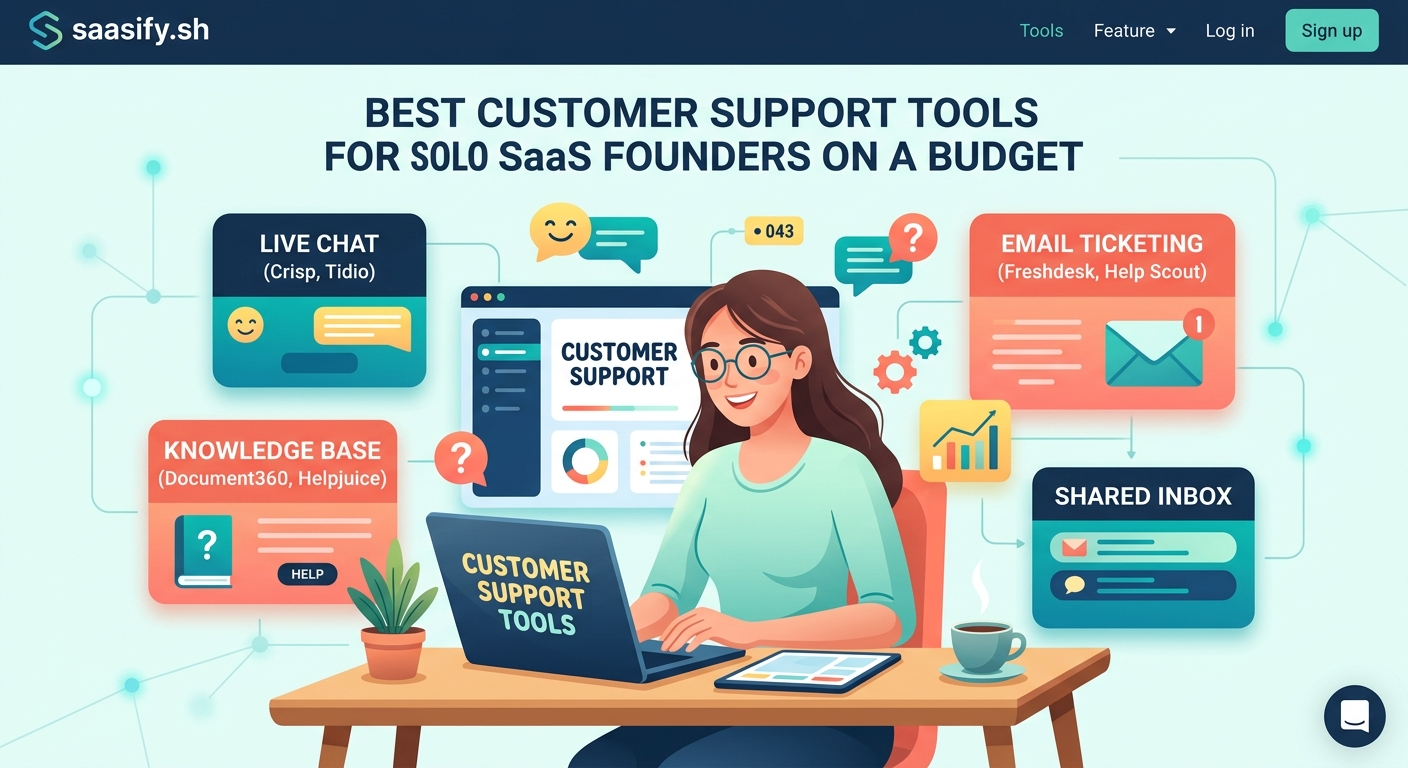
You do not need a perfect setup on day one. You need something functional that keeps you from drowning in messages.
-
Connect your support email address to your chosen platform. Use something like [email protected] instead of your personal email. This makes handoffs easier when you eventually hire help.
-
Create five saved replies for your most common questions. Pricing inquiries, feature requests, password resets, billing questions, and technical troubleshooting cover 80% of early-stage support volume.
-
Build a three-page knowledge base with getting started, common issues, and contact information. Write these in plain language like you are explaining to a friend. Skip the corporate jargon.
-
Set up one automation rule that tags urgent messages containing words like “down,” “broken,” or “emergency.” You can expand this later, but start simple.
-
Install the mobile app and enable push notifications. Support emergencies do not wait for you to open your laptop.
This basic setup handles everything until you hit around 50 support conversations per week. After that, you will want more sophisticated routing and reporting.
Automation that saves time without feeling robotic
The goal is not to replace human responses. The goal is to handle the boring stuff automatically so you can focus on conversations that need your brain.
Auto-replies work for setting expectations. “Thanks for reaching out. We typically respond within 4 hours during business days.” Simple, honest, reduces anxiety.
Tagging rules categorize messages as they arrive. Anything mentioning “bug” gets tagged for engineering follow-up. Messages about “invoice” or “refund” get tagged for billing. You can scan tags instead of reading every message immediately.
Canned responses with variables let you personalize without retyping. “Hi {first_name}, I checked your account and see you are on the {plan_name} plan” feels personal but takes three seconds to send.
Assignment rules route conversations to the right person when you grow beyond solo. Messages from enterprise domains go to you. Questions about a specific feature go to whoever built it.
Most platforms let you build these rules with simple if/then logic. No coding required.
Common mistakes that make support harder than it needs to be
Trying to maintain presence on too many channels kills your efficiency. Pick two or three and do them well. Email and live chat cover 90% of use cases. Adding Facebook Messenger, Instagram DMs, and SMS spreads you too thin.
Obsessing over response time metrics in the first six months creates unnecessary stress. Customers care more about helpful answers than instant answers. A thoughtful response in two hours beats a rushed reply in ten minutes.
Skipping the knowledge base because you only have twenty users means you will answer the same questions forever. Write documentation as you answer questions. Copy your best email responses into help articles. Future you will be grateful.
Using your personal email for support makes it impossible to hand off conversations later. Customers email you directly instead of the support channel. When you hire help, they cannot access the history or context.
Not tracking which features generate the most support questions blinds you to UX problems. If everyone asks how to export data, your export feature probably needs better design, not better documentation.
Integrating support tools with the rest of your stack
Your support platform should connect to tools you already use. This eliminates context switching and keeps customer data in sync.
Connect to your payment processor (Stripe, Paddle, or similar) so you can see subscription status, payment history, and plan details without leaving the support interface. This speeds up billing questions and helps you prioritize high-value customers.
Link to your product database or admin panel. Being able to view user settings, usage stats, or account details while chatting saves countless back-and-forth messages.
Integrate with your project management tool (Linear, Asana, Notion) to turn feature requests and bug reports into trackable tasks. Copy-pasting between systems wastes time and loses context.
Hook up analytics (Mixpanel, Amplitude, or similar) to see what users did before contacting support. If someone reports a broken feature, you can check if the error happened once or affects everyone.
Most modern support tools offer Zapier integration if they lack native connections. You can build simple workflows without writing code.
Scaling from solo to small team without switching platforms
The platform you choose today should grow with you. Switching support tools later means migrating conversation history, retraining team members, and updating all your documentation.
Look for platforms that charge per seat, not per ticket. As your volume grows, per-ticket pricing gets expensive fast. Per-seat pricing stays predictable.
Check if the platform supports permission levels. You will eventually want contractors or junior team members to handle tier-one support while you focus on complex issues. They should not have access to billing or account deletion features.
Test the reporting before committing. You need to see response times, resolution rates, customer satisfaction scores, and which topics generate the most volume. These metrics guide hiring decisions and product improvements.
Make sure the platform offers API access or webhooks. As you grow, you will want to build custom integrations or pull support data into your own dashboards.
The best time to think about these factors is before you have 10,000 conversations locked in a platform that does not scale.
Building a knowledge base that customers actually use
Self-service support reduces your workload and gives customers instant answers. But most knowledge bases fail because they are written for the company, not the customer.
Start with the ten questions you answer most often. Write one article per question. Use the exact words customers use, not your internal terminology. If customers say “export my data” do not title the article “data portability procedures.”
Include screenshots for every step. Assume the reader has never used your product before. What feels obvious to you is confusing to someone logging in for the first time.
Add a search bar that actually works. Test it with phrases customers use in support messages. If searching “cancel subscription” returns zero results, your knowledge base is useless.
Put a “Was this helpful?” button at the bottom of each article. Track which articles get “no” votes and rewrite them. Low satisfaction scores usually mean missing steps or unclear language.
Link to relevant help articles in your support responses. This trains customers to check documentation first and reduces repeat questions over time.
Update articles when features change. Outdated documentation erodes trust faster than no documentation at all.
Measuring what matters without drowning in metrics
Support dashboards can show hundreds of metrics. Most are vanity numbers that do not change your decisions.
Track first response time (how long until you send the first reply) and resolution time (how long until the issue is closed). These directly impact customer satisfaction and retention.
Monitor conversation volume by topic. A sudden spike in password reset requests might indicate a UX problem. Growing questions about a specific feature signal confusion that documentation should address.
Measure customer satisfaction with a simple rating after each conversation. A thumbs up or down tells you more than a five-question survey that nobody completes.
Watch for repeat contacts from the same customer. If someone messages you three times about the same issue, your first two responses did not actually solve the problem.
Check your busiest support hours. If most messages arrive between 9 AM and 11 AM, schedule your focused work for afternoons when volume drops.
Ignore metrics like “tickets closed per hour” or “average handle time” that optimize for speed over quality. You are building relationships, not running a call center.
Handling support when you are building features full-time
You cannot context-switch between coding and customer conversations all day. You need boundaries that protect your focus while keeping customers happy.
Set specific support hours and communicate them clearly. “We respond to messages Monday through Friday, 9 AM to 5 PM EST” manages expectations and lets you batch responses.
Check support twice per day during your scheduled hours. Morning and late afternoon work well. Resist the urge to monitor constantly. You will never finish anything meaningful.
Use status pages or Twitter for widespread issues. If your service goes down, post an update immediately so customers do not flood support with “is this broken?” messages.
Create an emergency contact method for paying customers or critical issues. A separate email address or phone number for true emergencies prevents abuse of your availability.
Consider async-first support using email or forums instead of live chat. Real-time chat creates pressure to respond instantly. Email lets you think through complex problems before replying.
When you are working on building your MVP, protect your deep work time. Support can wait two hours. Your product roadmap cannot.
Choosing the right tool for your specific situation
Your best option depends on where you are in the journey and what you are optimizing for.
If you are pre-launch with a waitlist, use a simple shared inbox like HelpScout free tier. You need basic email management, nothing more. Save money for when real customers arrive.
If you just launched and have under 50 users, Crisp free tier gives you email and live chat without spending a dollar. The branding is not a big deal when you are this early.
If you are doing $1,000+ monthly recurring revenue, invest $20 per month in a proper tool like Front or HelpScout paid. The time savings justify the cost immediately.
If you are in a profitable micro-SaaS niche with high-touch customers, prioritize platforms with strong automation and integrations. You need efficiency more than fancy features.
If you plan to hire support help within six months, choose a platform with good permission controls and team features. Switching later is painful.
If your customers are international, pick a tool with good mobile apps and async support. You cannot be online 24/7, so your system needs to work across time zones.
Making support a competitive advantage instead of a cost center
Most SaaS companies treat support as damage control. You can treat it as a growth engine.
Every support conversation teaches you something about your product, your customers, or your positioning. Keep a running document of patterns you notice. This informs your roadmap better than feature request forms.
Use support conversations to identify expansion opportunities. A customer asking “can your tool do X?” might be willing to pay more for that feature. Others probably want it too.
Turn happy customers into case studies and testimonials. After resolving a tricky issue, ask if they would share their experience. Social proof from real support interactions beats generic marketing copy.
Build relationships with power users who provide detailed feedback. These people become your best advocates, referring others and defending you in online communities.
Track which features generate the most support questions, then improve those features. Less support volume means more time building. Better UX means happier customers and lower churn.
Your support quality directly impacts customer lifetime value. People tolerate bugs if they trust you will fix them. They forgive missing features if you listen to feedback. They stay subscribed when they feel heard.
Support tools are not the solution, systems are
The fanciest platform in the world will not save you from disorganized support processes. You need a system that works with your tools, not despite them.
Document your support workflow somewhere accessible. What happens when a message arrives? Who handles it? What is the expected response time? How do you escalate urgent issues? Write this down so you can hand it off later.
Create templates for common scenarios, but always personalize before sending. Customers can tell when you copy-paste without reading their actual question.
Schedule weekly reviews of support metrics and conversation themes. Fifteen minutes every Friday to identify patterns prevents small problems from becoming big ones.
Build feedback loops between support and product development. The person answering customer questions should influence what gets built next.
Treat support as part of your customer success strategy, not a separate department. The goal is not just answering questions. The goal is helping customers succeed with your product.
When you are thinking about pricing your SaaS, remember that support costs scale with customer count. Factor this into your unit economics.
Your support system shapes your company culture
The tools you choose and how you use them set the tone for customer relationships. Automated, impersonal responses create transactional relationships. Thoughtful, human conversations build community.
Start with a system that lets you be yourself. If you hate live chat because it feels too rushed, do not force it. If you love async communication, lean into email and forums. Your authentic communication style matters more than following best practices.
As you grow from solo founder to small team, your support approach becomes your culture. New hires learn how to treat customers by watching how you handle support. Make it something worth copying.
The customer support tools for saas startups you pick today are not permanent. You can switch later if needed. But the habits you build around customer communication stick around much longer.
Choose tools that make support feel manageable, not overwhelming. Pick systems that help you stay organized without adding complexity. Invest in platforms that grow with you instead of outgrowing you in six months.
Your customers do not care what tool you use. They care that someone listens, understands their problem, and helps them move forward. Everything else is just implementation details.