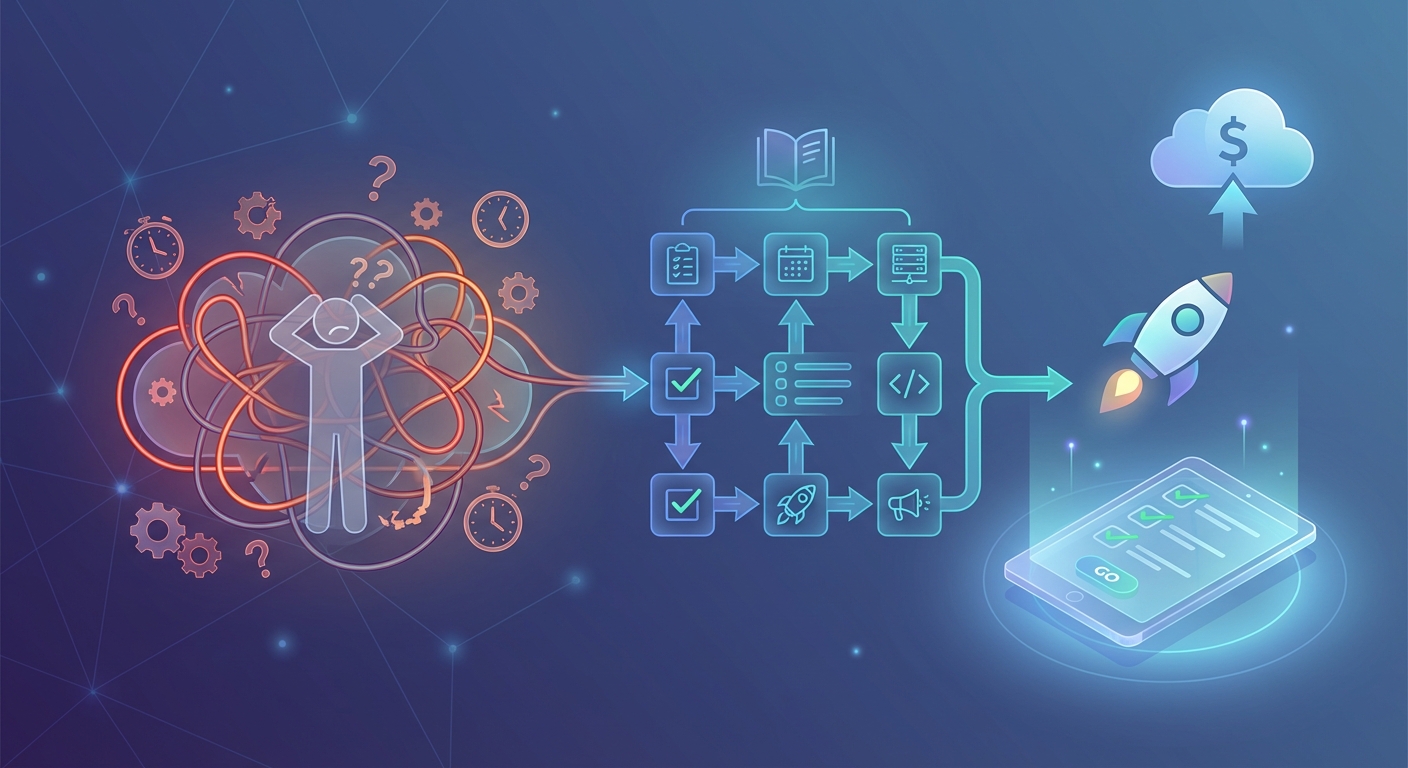
You’ve spent months building your product. The code is solid. Marketing assets are ready. Your team is pumped.
Then launch day arrives and everything falls apart. Someone forgot to update the DNS records. The payment gateway wasn’t tested in production. Customer support has no idea how to answer basic questions. Your carefully planned announcement goes live two hours late because three people thought someone else was handling it.
This isn’t a nightmare scenario. It’s what happens when teams skip the most important document of any product launch: a launch day runbook.
A launch day runbook is a step-by-step execution guide that documents every task, owner, dependency, and rollback procedure for your release. It transforms chaotic launches into coordinated operations by giving every team member clear instructions, reducing last-minute surprises, and providing a single source of truth when things go sideways. Teams with runbooks ship 3x faster with 70% fewer incidents.
What makes a launch day runbook different from a project plan
Project plans tell you what needs to happen and when. Launch day runbooks tell you exactly how to execute when the pressure is on.
A project plan says “deploy to production on Tuesday.” A runbook says “at 6:00 AM EST, Sarah runs the deployment script from the staging branch, monitors error rates in Datadog for 15 minutes, then signals the all-clear in the #launch Slack channel.”
The difference is specificity. Runbooks assume nothing. They don’t rely on tribal knowledge or expect people to remember procedures under stress. They document the exact sequence of actions, the person responsible for each one, and what to do when something breaks.
Most teams create project plans. Few create runbooks. That’s why most launches feel like controlled chaos instead of smooth operations.
The core components every launch day runbook needs
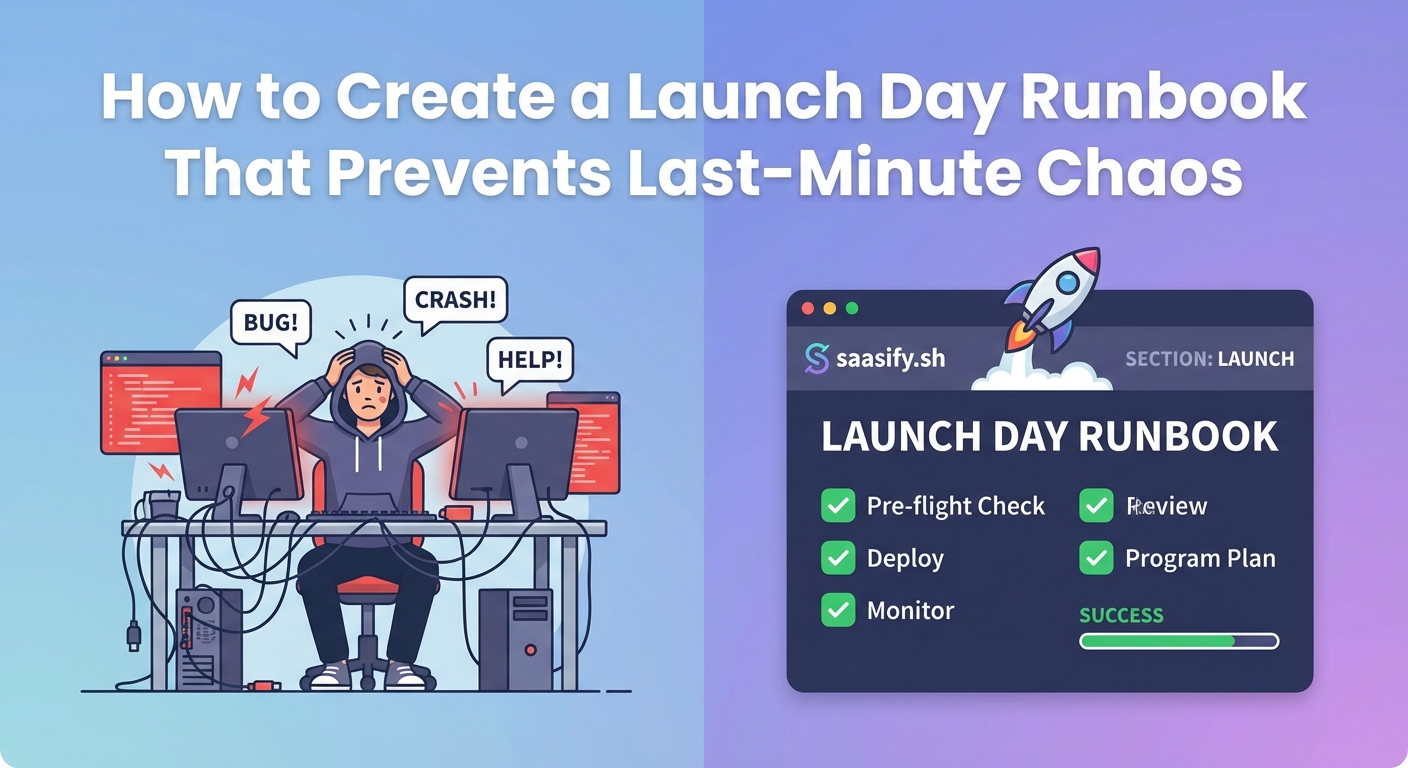
Your runbook should be a living document that grows with each release. Start with these essential sections.
Pre-launch checklist and environment verification
Document every system that needs to be ready before you flip the switch. This includes infrastructure, third-party services, monitoring tools, and access permissions.
List specific verification steps. Don’t write “check database.” Write “run SELECT COUNT(*) on users table, confirm result matches staging environment within 5%, verify read replicas are synced within 2 seconds.”
Include contact information for every external service. When your email delivery suddenly stops working at 7:00 AM, you need Sendgrid’s support number immediately, not in 20 minutes after someone finds it.
Task sequence with precise timing and dependencies
Break launch day into discrete tasks with specific start times and durations. Each task needs an owner, a backup owner, and clear success criteria.
Your sequence might look like this:
- 05:30 AM – DevOps lead enables maintenance mode (2 min)
- 05:32 AM – Database admin runs migration scripts (15 min)
- 05:47 AM – DevOps lead deploys application code (10 min)
- 05:57 AM – QA lead runs smoke tests (8 min)
- 06:05 AM – DevOps lead disables maintenance mode (2 min)
- 06:07 AM – Marketing lead publishes announcement (1 min)
Notice the exact times. Notice the durations. Notice how each task depends on the previous one completing successfully. This precision eliminates confusion when six people are working simultaneously.
Communication protocols and status updates
Define how your team communicates during the launch window. Which Slack channel? How often do status updates happen? Who makes the go or no-go decision?
Create response templates for common scenarios. When someone asks “are we live yet?” in three different channels, everyone should give the same answer using the same wording.
Establish escalation paths. If the deployment takes longer than expected, who decides whether to proceed or roll back? Document the decision tree so nobody wastes time debating it under pressure.
Rollback procedures and incident response
Hope for the best, plan for the worst. Your runbook needs detailed rollback instructions that anyone on the team can execute.
Document the exact commands to revert each change. Include database rollback scripts, infrastructure-as-code commands, and steps to restore previous configurations. Test these procedures before launch day, not during it.
Create a severity matrix that defines when to roll back versus when to push forward. Minor CSS bugs don’t justify a rollback. Database corruption does. Write down the criteria so emotions don’t drive decisions.
How to build your first launch day runbook in six steps
Creating a comprehensive runbook feels overwhelming. Break it into manageable pieces.
1. Map your launch timeline working backwards from go-live
Start with your target launch time and work backwards. If you want to go live at 9:00 AM when your users are most active, what needs to happen at 8:45 AM? At 8:30 AM? At 6:00 AM?
Include buffer time between tasks. If a deployment usually takes 10 minutes, schedule 15. Launches always take longer than practice runs.
2. List every system, service, and integration that touches your product
Write down everything. Your application servers, database, CDN, payment processor, email service, analytics tools, monitoring systems, and customer support platform.
For each system, document its current state, required changes, and verification steps. This inventory becomes your pre-launch checklist.
3. Assign a single owner and backup for each task
Shared responsibility means no responsibility. Every task needs one person’s name next to it.
That person doesn’t have to do the work alone, but they own the outcome. If something goes wrong, everyone knows who to ask.
Assign backups for critical tasks. When your database admin calls in sick on launch day, you need someone else who can run those migration scripts.
4. Document the exact commands, scripts, and procedures
Write instructions as if you’re explaining them to someone who has never done the task before. Include the full command syntax, not just the script name.
Bad: “Run the deployment script”
Good: “SSH into prod-deploy-01 using the launch-key.pem file. Navigate to /opt/deployments/v2.1. Run ./deploy.sh –environment=production –confirm. Watch for the ‘Deployment successful’ message. If you see any red error text, immediately notify DevOps lead in #launch channel.”
5. Add verification steps and success criteria for each task
How do you know a task completed successfully? Define specific, measurable criteria.
After deploying code, what should you check? Response times under 200ms? Error rate below 0.1%? Specific API endpoints returning 200 status codes?
Document where to check these metrics. Include direct links to dashboards, not just “check Datadog.”
6. Run a tabletop exercise with your team
Gather everyone involved in the launch. Walk through the runbook step by step. Have each person explain their tasks out loud.
You’ll discover gaps immediately. Someone will say “wait, I don’t have access to that server” or “I thought marketing was handling that part.”
Fix these issues before launch day, not during it.
Common launch day scenarios your runbook must address
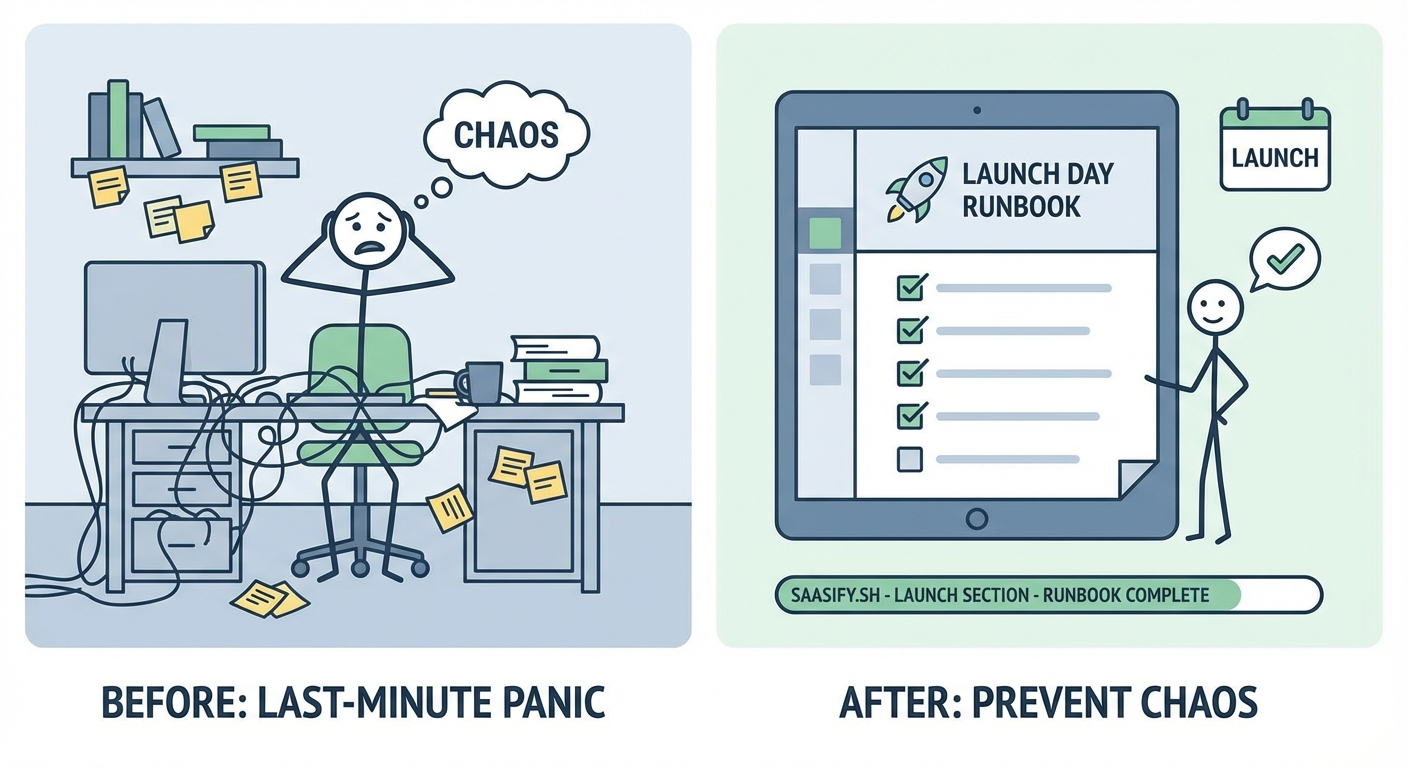
Every launch has unique challenges, but some scenarios appear repeatedly. Your runbook should include specific procedures for these situations.
| Scenario | What to document | Who decides |
|---|---|---|
| Deployment takes longer than expected | At what point do you delay the launch vs. continue? | Technical lead + product owner |
| Critical bug discovered during final checks | Severity thresholds for go vs. no-go decision | Product owner with engineering input |
| Third-party service is down | Backup options, degraded mode operation, customer communication | Technical lead |
| Database migration fails mid-process | Rollback procedure, data integrity checks, recovery timeline | Database admin + technical lead |
| Traffic spike exceeds capacity | Auto-scaling triggers, manual scaling procedures, performance degradation thresholds | DevOps lead |
| Customer support overwhelmed | Escalation to engineering, canned responses, known issues list | Support lead + product owner |
Build decision trees for each scenario. When X happens, check Y. If Y shows Z, then do A. Otherwise do B. Remove ambiguity.
The biggest mistakes teams make with launch day runbooks
Creating a runbook is one thing. Creating a useful one is another. Avoid these common pitfalls.
Writing the runbook the night before launch. Start your runbook when you begin planning the release, not when you’re about to execute it. The document should evolve as your launch plan develops.
Making it too high-level. “Deploy the application” isn’t detailed enough. “Run the blue-green deployment script, verify health checks pass on new instances, gradually shift traffic using the load balancer, monitor error rates for 10 minutes” is better.
Forgetting about non-technical tasks. Your runbook needs marketing tasks, customer support preparation, and sales enablement steps. Launches fail when these teams aren’t coordinated with engineering.
Not testing the procedures. Every command in your runbook should be tested in a staging environment. If you’ve never run the rollback procedure, you’ll fumble it when you need it most.
Skipping the communication plan. Technical execution is half the battle. The other half is keeping stakeholders informed, coordinating announcements, and managing customer expectations.
Treating it as a one-time document. Your first runbook will have gaps. After each launch, schedule a retrospective and update the document. The best runbooks are refined over multiple releases.
How to adapt your runbook for different launch types
Not every launch follows the same pattern. Your runbook structure should flex based on launch complexity and risk.
For a soft launch or beta release, you might skip the coordinated announcement timing. Focus instead on controlled user onboarding and feedback collection mechanisms. When you’re building a pre-launch waitlist that actually converts, your runbook emphasizes invitation sending sequences and capacity monitoring.
For a full public launch, coordination becomes critical. Marketing, sales, support, and engineering must move in lockstep. Your runbook needs precise timing for social media posts, email blasts, and press releases.
For infrastructure changes or backend migrations, customer-facing communication might be minimal, but technical precision becomes paramount. These runbooks focus heavily on data integrity verification and rollback procedures.
The core principles stay the same. Only the emphasis shifts based on what matters most for that specific release.
Integrating your runbook with existing tools and workflows
Your runbook shouldn’t exist in isolation. Connect it to the tools your team already uses.
Link directly to monitoring dashboards. Don’t make people hunt for the right Grafana board or Datadog monitor. Embed the URLs in your runbook next to each verification step.
Create Slack workflows or bots. Automate status updates so the person executing a task can trigger a message to the launch channel with a single command. Reduce manual communication overhead.
Use project management tools for task tracking. Export your runbook tasks into Jira, Asana, or Linear. People can check off items as they complete them, giving everyone real-time visibility into launch progress.
Store runbooks in version control. Treat your runbook like code. Keep it in Git alongside your application. Track changes, review updates, and maintain a history of what worked in previous launches.
Build templates for repeated launches. If you ship weekly or monthly, create a runbook template. Clone it for each release and customize the specifics. This approach works well when you’re building a SaaS MVP in 30 days without burning out and need to maintain velocity.
Measuring runbook effectiveness and improving over time
How do you know if your runbook actually helps? Track these metrics across launches.
Time from deployment start to fully operational. Good runbooks reduce this window. If your launch window keeps shrinking with each release, your runbook is working.
Number of unplanned incidents during launch. Count the surprises. Each one represents something your runbook should have anticipated but didn’t.
Percentage of tasks completed on schedule. If tasks consistently run over their allocated time, your estimates need adjustment or your procedures need optimization.
Team confidence scores. After each launch, ask team members to rate their confidence level from 1-10. Rising scores indicate the runbook is reducing stress and uncertainty.
Customer-facing issues in the first 24 hours. The ultimate measure of launch success. Fewer support tickets and bug reports mean your runbook caught problems before customers did.
After every launch, hold a retrospective within 48 hours while details are fresh. Ask three questions:
- What went exactly as planned?
- What surprised us?
- What should we change in the runbook?
Update your runbook immediately. Don’t wait until the next launch cycle starts.
Building the muscle memory that makes launches routine
Your first launch with a runbook will feel awkward. You’ll reference the document constantly. People will question whether all this detail is necessary.
By your third launch, the pattern becomes familiar. By your fifth, executing a launch feels routine instead of stressful.
This transformation happens because the runbook externalizes complexity. Instead of holding dozens of details in your head, you follow a proven procedure. Instead of making decisions under pressure, you execute a plan you made when thinking clearly.
The best launch day runbooks make releases boring. When your biggest challenge is staying awake during a smooth deployment, you’ve built something that works.
Great runbooks also enable delegation and scaling. New team members can contribute to launches on day one by following documented procedures. You’re not bottlenecked on the three people who remember how everything works.
This documentation mindset extends beyond launches. Teams that build strong runbooks tend to document everything better: onboarding processes, incident response procedures, architecture decisions. The discipline spreads.
Why runbooks matter more for indie SaaS teams
Large companies have the luxury of redundancy. If someone forgets a step, another team member catches it. If a launch goes sideways, they have dedicated incident response teams.
Indie SaaS teams don’t have that cushion. You’re often a team of one or two people wearing multiple hats. You’re the developer, the DevOps engineer, the marketer, and the support team.
A launch day runbook becomes your force multiplier. It’s the experienced team member who never forgets details, never panics, and always knows the next step.
When you’re validating your SaaS idea before writing a single line of code, you’re thinking about product-market fit. When you’re ready to launch, your runbook ensures that perfect product actually reaches customers without incident.
The investment pays off immediately. Your first runbook might take 8 hours to create. It will save you 8 hours of stress and firefighting on launch day. Every subsequent launch gets smoother.
Turning launch day from chaos into confidence
Launches don’t have to be chaotic. The adrenaline rush doesn’t have to come from wondering whether everything will work. It can come from watching a well-orchestrated plan execute flawlessly.
Your launch day runbook is the difference between hoping things work out and knowing they will. It transforms tribal knowledge into documented procedures. It turns individual heroics into team coordination. It makes launches repeatable instead of terrifying.
Start building your runbook today, even if your launch is months away. Open a document. List the major tasks. Assign owners. Add details as your launch plan solidifies.
When launch day arrives, you’ll be glad you did. So will your team, your customers, and your blood pressure.