You’ve built something people want. Now you need to get paid for it.
Adding payments to your SaaS feels like opening a can of worms. Tax compliance. PCI requirements. Subscription logic. Failed payments. The list goes on.
But here’s the truth: thousands of solo founders ship payment systems every month without hiring payment specialists or spending weeks on integration. You can too.
Adding payments to your SaaS requires choosing the right provider, implementing secure checkout flows, handling subscription logic, and managing edge cases like failed payments and tax compliance. Most founders can ship a working payment system in one focused weekend by using modern payment platforms that handle compliance, while focusing implementation effort on subscription state management and customer communication.
Choosing your payment provider
Three platforms dominate the indie SaaS payment landscape: Stripe, Paddle, and Lemon Squeezy.
Stripe gives you maximum control. You handle tax collection, invoicing, and compliance yourself. The API is powerful but requires more setup work.
Paddle acts as merchant of record. They handle all tax compliance, VAT collection, and invoicing. You get simpler integration but less control over the customer experience.
Lemon Squeezy sits between the two. Merchant of record benefits with a developer-friendly API that feels closer to Stripe’s flexibility.
For most indie founders, start with Paddle or Lemon Squeezy. Tax compliance alone will save you dozens of hours. You can always migrate to Stripe later if you need more control.
Here’s what matters when picking:
- Monthly volume under $10K? Any platform works fine.
- Selling globally? Merchant of record saves massive headaches.
- Need custom billing logic? Stripe gives you the most flexibility.
- Want to ship fast? Lemon Squeezy has the gentlest learning curve.
The guide to choosing between these platforms covers the detailed tradeoffs.
Setting up your first checkout flow
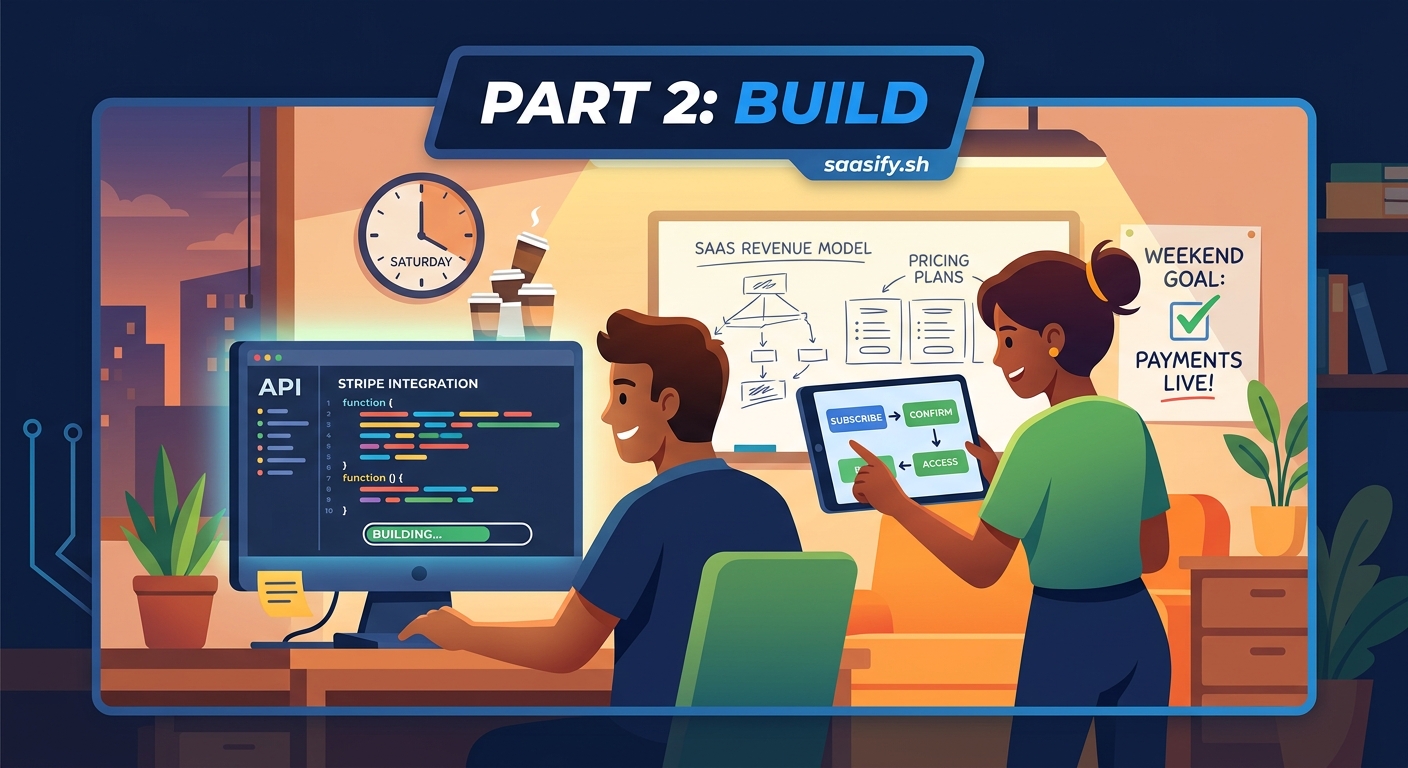
Start with the simplest possible implementation. A single “Subscribe” button that creates a checkout session.
Here’s the basic flow:
- User clicks subscribe button on your pricing page
- Your backend creates a checkout session via API
- User gets redirected to hosted checkout page
- Payment provider processes payment and handles 3D Secure
- User returns to your app with success or failure status
- Webhook confirms payment and activates subscription
Most payment providers offer hosted checkout pages. Use them. Building custom checkout forms adds weeks of work and introduces security risks you don’t need as a solo founder.
The hosted pages handle:
- Payment method collection
- Address verification
- 3D Secure authentication
- PCI compliance
- Mobile optimization
- Error handling
Your job is handling what happens after successful payment.
Building subscription state management
This is where most founders underestimate the complexity. Your database needs to track subscription status accurately.
Create a subscriptions table with these core fields:
| Field | Purpose | Common Values |
|---|---|---|
| user_id | Links to user account | Foreign key |
| status | Current subscription state | active, past_due, canceled, trialing |
| plan_id | Which tier they’re on | starter, pro, enterprise |
| current_period_end | When renewal happens | Timestamp |
| cancel_at_period_end | Cancellation flag | Boolean |
Don’t store payment details in your database. The payment provider handles that. You only track subscription metadata.
Here’s the state machine you need to handle:
- Active: User has paid, full access
- Trialing: Free trial period, full access
- Past due: Payment failed, grace period
- Canceled: Subscription ended, no access
- Incomplete: Payment pending, limited access
The tricky part is handling transitions between states. A webhook fires when status changes. Your code needs to update database state and modify user access atomically.
The biggest mistake founders make is trusting client-side subscription checks. Always verify subscription status server-side before granting access to paid features. Webhooks can arrive out of order or get missed entirely.
Implementing webhook handlers
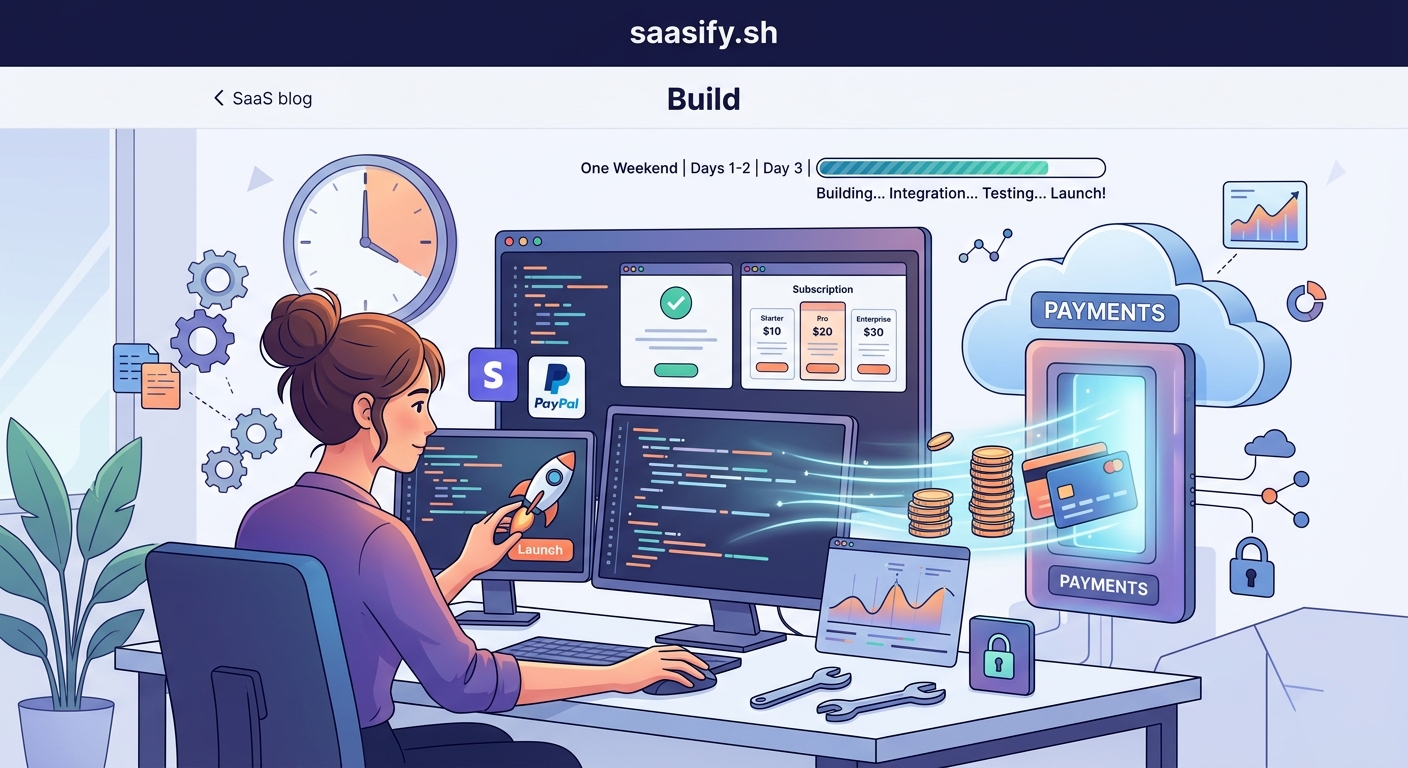
Webhooks tell your application when subscription events happen. Payment succeeded. Card expired. User downgraded.
Every payment provider sends webhooks differently, but the pattern is the same:
- Verify webhook signature to prevent spoofing
- Parse event type and data
- Update your database
- Return 200 status code immediately
- Handle business logic asynchronously
Never do heavy processing inside webhook handlers. Providers expect responses within seconds. If your handler times out, they’ll retry, potentially creating duplicate processing.
Store the raw webhook payload in a processing queue. Handle updates in a background job. This prevents race conditions and makes debugging easier when something breaks.
Common webhook events you’ll handle:
subscription.created: New customer subscribedsubscription.updated: Plan changed or payment method updatedsubscription.deleted: Cancellation completedinvoice.payment_failed: Card declined or insufficient fundsinvoice.payment_succeeded: Successful renewal
The payment failed webhook is particularly important. You need to decide how long to give users grace periods before restricting access.
Handling failed payments gracefully
Cards fail. A lot.
About 15% of recurring payments fail on first attempt. Expired cards, insufficient funds, fraud blocks, bank errors.
Your payment provider will automatically retry failed payments. Stripe retries up to four times over two weeks. Paddle handles retries differently based on failure reason.
But automatic retries aren’t enough. You need to communicate with customers.
Send an email immediately when payment fails. Make it helpful, not threatening:
- Clear subject line: “Payment failed for your [Product] subscription”
- Explain what happened without technical jargon
- Provide direct link to update payment method
- Mention when retry will happen
- Offer support contact if they need help
Give users a grace period before restricting access. Three to seven days works for most SaaS products. Long enough to fix legitimate issues, short enough to prevent abuse.
Track dunning metrics in your revenue dashboard:
- Failed payment rate
- Recovery rate after first retry
- Average time to recover
- Churn rate from failed payments
Small improvements in payment recovery directly increase MRR. A 5% better recovery rate can mean thousands in saved revenue annually.
Managing plan changes and upgrades
Users will want to change plans. Upgrade to get more features. Downgrade to save money. Switch billing periods.
Handle upgrades immediately. User pays the prorated difference and gets access right away. This is straightforward.
Downgrades are trickier. You have two options:
- Immediate downgrade: Refund prorated amount, change access now
- End of period downgrade: Keep current access until renewal, then downgrade
Most SaaS products use end-of-period downgrades. It’s simpler to implement and reduces refund complexity. Users keep what they paid for.
Set the cancel_at_period_end flag and update the plan that takes effect at renewal. Your webhook handler processes the actual change when the period ends.
For billing period changes (monthly to annual), treat it as a new subscription. Cancel the old one at period end and create the new one immediately.
Implementing trial periods correctly
Free trials boost conversion. But implementation matters.
Two trial approaches work:
Credit card required: User enters payment details upfront. Trial converts automatically to paid unless canceled. Higher conversion rates but lower trial signups.
No credit card: User tries product without payment details. Must manually upgrade to continue. More trial users but lower conversion rates.
For most indie SaaS, credit card required trials convert better overall. You get fewer trial signups but 2-3x higher conversion to paid.
When implementing trials:
- Make trial length clear everywhere (7 days, 14 days, 30 days)
- Send reminder emails at 50% and 90% of trial period
- Allow cancellation anytime during trial
- Don’t charge if they cancel before trial ends
- Give them full access to paid features
Store trial end date in your database. Check it server-side before granting access. Don’t trust client-side trial tracking.
The pricing psychology guide covers how trial length affects conversion rates.
Securing your payment integration
Payment security isn’t optional. But you don’t need to become a security expert.
Follow these rules:
- Never store credit card numbers in your database
- Never send card details through your server
- Always use HTTPS for all payment pages
- Verify webhook signatures on every request
- Store API keys in environment variables, never in code
- Use different API keys for development and production
Modern payment providers handle PCI compliance for you when you use their hosted checkout pages or tokenization libraries. The card data goes directly from customer to payment provider. Your server never touches it.
For API keys, use a secrets manager or environment variables. Rotate keys periodically. Never commit them to version control.
Implement rate limiting on your checkout endpoints. Prevents abuse and reduces fraud attempts.
Log all payment events but never log sensitive data. Customer email and subscription ID are fine. Card numbers and CVV codes never get logged.
Building a customer billing portal
Users need to manage their subscriptions without contacting support. Build a simple billing portal.
Essential features:
- View current plan and billing period
- See next billing date and amount
- Update payment method
- Change subscription plan
- Cancel subscription
- Download past invoices
Most payment providers offer pre-built customer portals. Stripe has Customer Portal. Paddle has subscription management URLs. Lemon Squeezy provides hosted account pages.
Use them. Building custom billing interfaces takes weeks and introduces edge cases you’ll spend months fixing.
Customize the portal branding to match your product. Add your logo, colors, and support links. Then embed it in your app with a single link or iframe.
For cancellation flows, always ask why they’re canceling. A simple dropdown with options like “Too expensive”, “Missing features”, “Not using it enough” gives you actionable product feedback.
Consider offering a discount or pause option before confirming cancellation. You might save 10-20% of cancellations this way.
Handling refunds and disputes
Refund requests will happen. Have a clear policy and make it easy to execute.
Common refund scenarios:
- Customer not satisfied within first 30 days
- Technical issues prevented product use
- Accidental duplicate charge
- Billing error on your end
Process refunds through your payment provider’s dashboard or API. This keeps accounting clean and updates subscription status automatically.
For chargebacks (when customer disputes with their bank), respond within the deadline. Provide evidence of service delivery: login records, usage data, support communications.
Most payment providers handle the chargeback process. You just submit evidence through their interface.
Track refund rate monthly. Anything above 5% suggests product or communication issues. Investigate the patterns.
Common payment integration mistakes
Here’s what trips up most founders:
Testing only happy paths: Failed payments, expired cards, and edge cases break production systems. Test error scenarios thoroughly.
Ignoring webhook retries: Webhooks can arrive multiple times. Make handlers idempotent. Check if you’ve already processed this event before updating state.
Hardcoding plan IDs: Store plan configuration in your database. Makes testing easier and allows plan changes without code deploys.
Not handling timezone differences: Subscription periods end at specific times. Store timestamps in UTC. Display them in user’s timezone.
Skipping email notifications: Users need confirmation emails for every billing event. Payment succeeded, failed, refunded, plan changed.
Forgetting about taxes: Even with merchant of record, you need to display tax-inclusive pricing correctly in some regions.
The database design guide covers subscription schema patterns that prevent common mistakes.
Testing your payment flow end to end
Use test mode religiously. Every payment provider offers it.
Create test scenarios for:
- Successful subscription signup
- Failed payment on first attempt
- Successful payment after retry
- Immediate plan upgrade
- End-of-period downgrade
- Subscription cancellation
- Refund processing
Use test card numbers that simulate different scenarios. Stripe provides cards that always succeed, always fail, require 3D Secure, or trigger specific error codes.
Test webhook delivery by triggering events in test mode. Verify your handlers update database state correctly.
Build a test checklist and run through it before every production deploy that touches payment code.
Consider adding end-to-end tests that actually create test subscriptions and verify state changes. Prevents regressions as you add features.
Launching with confidence
Your payment system doesn’t need to be perfect on day one. Start with the basics:
- Single subscription plan (add tiers later)
- Monthly billing only (add annual later)
- Simple cancellation flow (add pause/downgrade later)
- Basic email notifications (improve copy later)
Ship something that works. You can iterate based on real customer feedback.
Before going live, verify:
- Webhooks are configured and tested
- Email notifications are sending
- Subscription status checks work server-side
- Cancellation flow completes successfully
- You can process a refund manually
Monitor closely for the first week. Check webhook logs daily. Respond to any payment-related support requests within hours.
Most issues surface in the first 100 subscriptions. Catch them early and fix them fast.
When payments become your growth engine
Getting paid is just the start. Payment data becomes one of your most valuable growth tools.
Track these metrics from day one:
- Trial to paid conversion rate
- Monthly recurring revenue (MRR)
- Churn rate
- Average revenue per user (ARPU)
- Customer lifetime value (LTV)
These numbers tell you what’s working and what needs attention. A detailed look at which metrics actually matter helps you focus on the right signals.
Payment integration isn’t a one-time project. You’ll continuously improve it as you learn what customers need.
But the foundation you build this weekend will support your SaaS for years. Get the basics right, ship it, and start collecting revenue. Everything else can wait.